
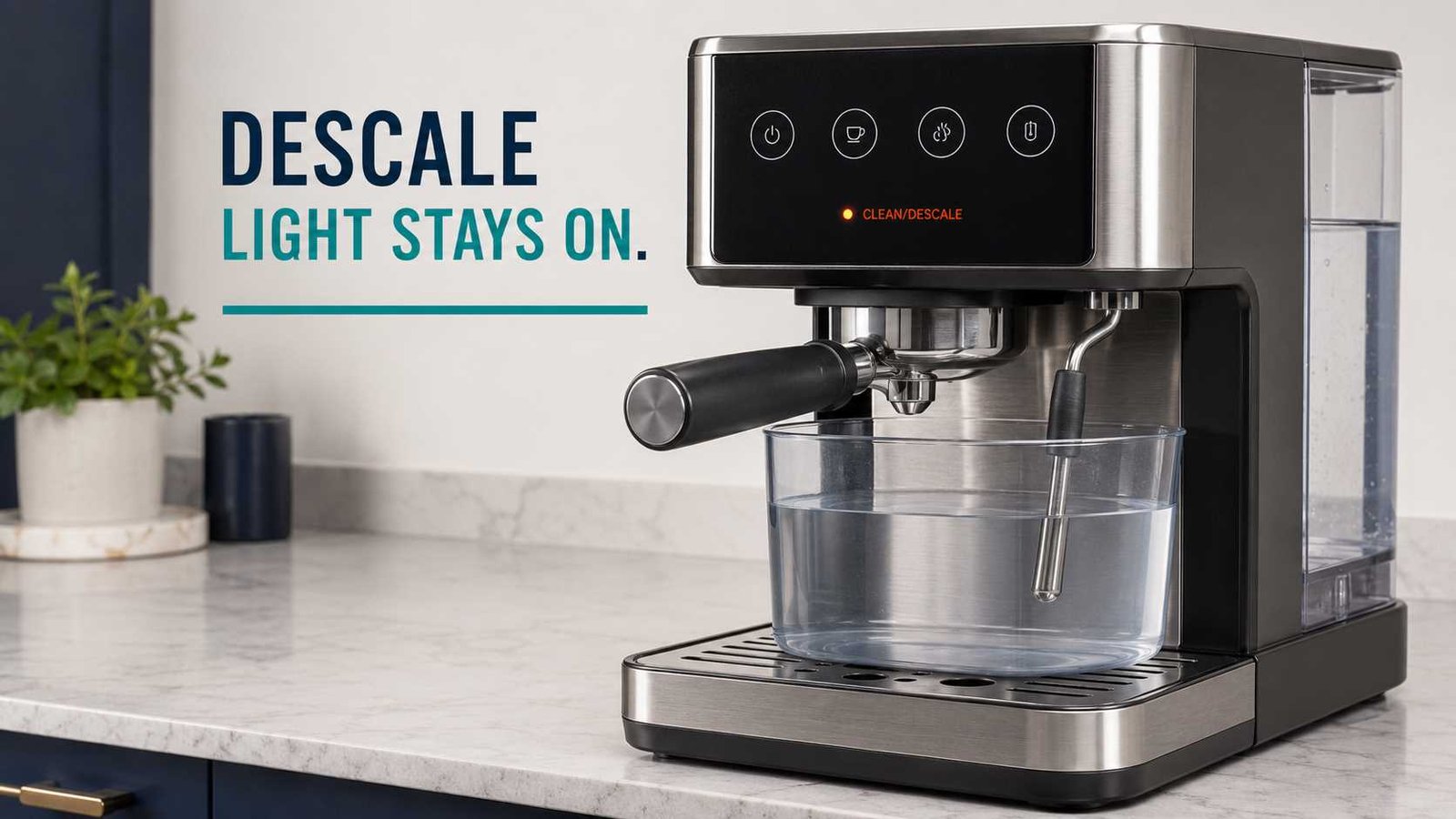
 When a Breville espresso machine’s descale light will not turn off, the descaling process is usually incomplete rather than the machine needing a separate universal reset. You may have run a cleaning-tablet cycle instead of descaling, skipped the steam or hot-water stage, stopped before the fresh-water rinse, or missed the final exit step.
The correct procedure depends on the model. A Barista Express uses buttons and a steam dial, a Barista Pro guides you through separate descale and rinse stages on its display, and a Bambino Plus pauses halfway through so the tank can be refilled.
Do not brew coffee if descaling solution may still be inside the machine. Stop using it immediately if there is leaking, an electrical smell, unusual overheating, or damage to the power cord.
| Item | What it means |
|---|---|
| Appliance | Breville espresso machine |
| Warning | Solid descale light, alternating buttons or DESCALE message |
| Most likely cause | The required model-specific cycle or rinse was not completed |
| First check | Confirm the exact model number and identify whether the alert is solid or flashing |
| Common mistake | Running the cleaning-tablet cycle instead of the mineral descaling cycle |
| Repair difficulty | Usually a user-level maintenance procedure |
| Can it still be used? | Not until all descaling solution has been rinsed from the machine |
| Professional help | Needed if the exact cycle finishes but the warning returns or the machine develops another fault |
Breville uses different maintenance indicators and cycle sequences across its espresso-machine range. The manuals do not provide one reset combination that applies to every model.
Identify the model before pressing any buttons
Look for the model number on the rating label, usually underneath or behind the machine. Common examples include:
- BES870 for the Barista Express
- BES876 for the Barista Express Impress
- BES878 for the Barista Pro
- BES500 for the Bambino Plus
- BES880 for the Barista Touch
Button combinations that work on one of these machines may start a different function on another. Even machines with similar names can use different buttons for the coffee stage or a completely different on-screen process.
UK and Irish versions may be sold under the Sage name and use an SES model reference. Match the full number on the appliance to the correct Breville or Sage manual before beginning.
Cleaning and descaling are not the same
This is the most important distinction.
A cleaning cycle backflushes the group head and removes coffee oils. It normally uses a cleaning disc and cleaning tablet.
A descaling cycle removes mineral deposits caused by water passing through the heating and water-delivery system. It uses an approved descaling agent mixed with water.
On the Barista Express BES870, a flashing CLEAN/DESCALE light indicates that the cleaning cycle is required. A solid light indicates that the machine needs descaling. Completing the tablet-based cleaning cycle will not satisfy the solid descale warning.
The Barista Express Impress follows the same general light distinction: its maintenance light flashes for cleaning and remains solid when descaling is required.
Why the Breville descale light stays on
The wrong maintenance cycle was performed
If you placed a tablet in the portafilter and ran a backflush, you cleaned coffee oils from the brew head. You did not necessarily descale the internal water system.
Check the warning pattern:
- Flashing maintenance light: commonly indicates cleaning on selected models.
- Solid maintenance light: commonly indicates descaling on selected Barista Express models.
- LCD DESCALE message: follow the display-guided procedure.
- Alternating Bambino Plus buttons: the machine is requesting or performing a descale cycle.
One water path was skipped
Several Breville machines descale more than the coffee outlet. The process may include:
- The coffee or group-head circuit
- The hot-water outlet
- The steam circuit
Running water only through the group head may leave the cycle incomplete. This is particularly relevant to the Barista Express, Barista Express Impress and Barista Pro.
The fresh-water rinse was not completed
Descaling solution must be followed by the model’s required fresh-water rinse.
The Barista Pro runs a three-stage descale cycle and then a second three-stage rinse cycle. It returns to READY only after that rinse is complete.
The Barista Express and Barista Express Impress also require the relevant coffee, steam and hot-water steps to be repeated with fresh water before exiting descale mode.
The machine is paused, not finished
The Bambino Plus pauses after the first tank of descaling mixture has been used. At that point, the user must:
- Refill the water tank to MAX with fresh water.
- Empty and replace the waste container.
- Wait for the 1 CUP and STEAM buttons to illuminate.
- Press 1 CUP or STEAM to resume.
Leaving the machine at this pause is a common reason it appears stuck in descale mode.
The final exit step was missed
On the Barista Express and Barista Express Impress, Breville instructs the user to press POWER after completing the rinse. The LEDs switch off as the machine exits descale mode.
The Barista Pro behaves differently. It should beep and return to READY automatically when its rinse cycle finishes.
Safe checks before repeating the procedure
Before adding more descaling chemical, check what has already happened.
- Confirm the exact model number. Do not rely only on the product name or appearance.
- Check whether the alert is solid, flashing or on-screen. This helps distinguish cleaning from descaling.
- Empty and reinstall the drip tray. It must be properly positioned because hot water and steam may be discharged during the cycle.
- Use a sufficiently large waste container. Position it under every outlet named in the manual.
- Check the water tank. Make sure it is fully seated and contains enough water for the current stage.
- Remove the water filter when the manual instructs you to. The Barista Pro and Barista Express Impress manuals specifically direct users to remove it before adding the descaling mixture.
- Do not begin another chemical cycle automatically. First establish whether the machine only needs its remaining fresh-water rinse or exit step.
Safety warning: Hot water and steam can discharge unexpectedly during descaling. Keep hands away from the group head, hot-water outlet and steam wand. Do not immerse the machine, cord or plug. Do not open the casing or attempt internal electrical testing.
Barista Express BES870: complete every stage
For the Barista Express BES870, a solid CLEAN/DESCALE light means descaling is required. A flashing light points to the separate backflushing cycle.
If the solid light remains, compare what you did with the complete official sequence:
- Prepare the descaling solution according to the manual.
- With the machine off, hold 2 CUP and POWER together to enter descale mode.
- Wait for the machine to indicate that it is ready.
- Press 1 CUP to descale the coffee circuit.
- Turn the steam dial toward STEAM to descale the steam circuit.
- Turn the dial toward HOT WATER to descale the hot-water circuit.
- Repeat the coffee, steam and hot-water stages with the remaining solution.
- Rinse the tank and fill it with fresh cold water.
- Repeat the three water-path stages to rinse away residue.
- Press POWER to exit descale mode.
If the machine receives no input for five minutes while in descale mode, it may switch off. Breville instructs the user to restart from the descale-mode entry step.
Do not remove or allow the water tank to become completely empty while this model is actively descaling.
Barista Express Impress BES876: use the 2 CUP procedure
The Barista Express Impress looks similar to other Barista models, but its documented coffee-stage control differs.
Its official sequence includes:
- Remove the water filter and prepare the solution.
- Turn the machine off.
- Hold 2 CUP and POWER for five seconds.
- Wait until the appropriate control lights remain solid.
- Press 2 CUP for the coffee-circuit stage.
- Turn the dial toward STEAM.
- Turn it toward HOT WATER.
- Repeat the coffee, steam and hot-water stages with the remaining solution.
- Rinse the tank and refill it with fresh cold water.
- Repeat the required water-path stages to remove descaling residue.
- Press POWER to quit descale mode.
The machine can switch off after five minutes without input in descale mode. In that situation, the manual directs the user to restart the descale entry procedure.
Barista Pro BES878: finish the separate rinse cycle
The Barista Pro displays a DESCALE alert on its LCD. This model guides the process through its menu rather than relying only on an indicator light.
The cycle is not complete when the chemical solution finishes. The official process is:
- Empty and replace the drip tray.
- Remove the water tank and water filter.
- Add the descaling solution to the marked level.
- Select DESCALE from the menu.
- Press 1 CUP to begin.
- Follow the display and manually turn the steam dial when HOT WATER and STEAM are requested.
- After the three descale stages finish, empty the remaining solution.
- Fill the tank to MAX with fresh water.
- Press 1 CUP to start the rinse.
- Follow all three rinse stages.
- Wait for the machine to beep and return to READY.
If the display still says DESCALE, check whether the rinse was started after the first three stages. The first part alone does not complete the maintenance program.
Bambino Plus BES500: resume after the pause
The Bambino Plus uses an alternating button pattern rather than a dedicated descale lamp. Its descale alert involves the main cup and steam controls flashing in an alternating sequence. Pressing one of the buttons can dismiss the alert temporarily, but this does not descale the machine.
During the actual procedure:
- Turn the machine off and allow it to cool.
- Hold 1 CUP and STEAM for five seconds to enter descale mode.
- Press 1 CUP or STEAM to start.
- Let the machine use the first tank.
- When it pauses, refill the tank to MAX with fresh water.
- Empty and replace the waste container.
- Press 1 CUP or STEAM again.
- Allow the machine to complete the remaining stage and enter standby.
If the buttons remain illuminated without activity after the tank was refilled, the machine may be waiting for you to press 1 CUP or STEAM to resume.
Barista Touch BES880: follow the screen rather than a generic reset
The Barista Touch uses its touchscreen to manage maintenance.
Open Settings, select Descale cycle, and follow every instruction shown on the display. The cleaning-cycle prompt is separate and refers to backflushing the group head.
If the descale message remains, check whether:
- You exited the guided process before its final prompt.
- The water tank was removed or emptied during an active stage.
- The machine is still requesting a rinse.
- A cleaning cycle was selected instead of Descale cycle.
Because the touchscreen controls the sequence, do not substitute a button combination intended for the Barista Express or Bambino Plus.
Will unplugging the machine clear the descale light?
Unplugging may restart the controls, but it is not the documented method for completing the maintenance requirement.
Breville’s procedures tie completion to the full descale and rinse sequence. Some models also need POWER pressed to exit, while others return to READY or standby automatically. A power interruption does not replace those steps.
A factory reset is also not the normal solution. On models that provide one, factory reset may restore beverage volumes or other settings rather than clear an unfinished descale cycle.
What to do when the light still remains
If the alert stays on after you have confirmed every required stage:
- Turn the machine off normally.
- Allow it to cool.
- Rinse and correctly reinstall the tank and drip tray.
- Recheck the exact model manual from the manufacturer’s support page.
- Run only the missing rinse or cycle stage identified in that manual.
- Record the light pattern or exact display wording.
- Contact Breville or Sage support if the warning returns.
Do not repeatedly add more descaling chemical without confirming that another complete chemical cycle is required. Repeated treatment will not correct a skipped exit command or an unresolved control fault.
Is there a faulty descale sensor?
The official owner manuals reviewed for these machines do not identify a user-replaceable descale sensor as the standard cause of a persistent warning.
The reminder may be based on programmed usage, the completion of a guided cycle or model-specific control logic. If the correct procedure finishes and the alert immediately returns, further diagnosis may be needed, but opening the machine or replacing unconfirmed parts is not a safe homeowner repair.
Contact support when:
- The machine cannot enter or complete descale mode.
- No water flows despite a full, correctly installed tank.
- The pump becomes unusually loud.
- The warning immediately returns after a verified complete cycle.
- Water leaks from the casing.
- The machine trips an electrical outlet or protective device.
- There is smoke, a burning smell or abnormal overheating.
Can you use the machine with the descale warning on?
Do not brew coffee while descaling solution may remain in the water system.
A reminder by itself does not necessarily mean an immediate electrical hazard, but continuing to ignore mineral buildup can affect water flow, brewing temperature, machine performance and coffee taste. Breville’s manuals recommend completing the appropriate descale process when the machine requests it.
Stop using the machine completely if it leaks, overheats, has visible electrical damage or behaves abnormally.
How to reduce future scale buildup
Replace the water filter at the interval specified for your model and water conditions. Breville notes that regular filter replacement can reduce the need for descaling, although it does not eliminate mineral buildup completely.
Also:
- Enter the correct water-hardness setting on models that support it.
- Use the water type recommended in your manual.
- Do not use cleaning tablets as a substitute for descaling solution.
- Complete every rinse and exit step without interrupting the machine.
- Keep a note of the model number for future maintenance.
Frequently asked questions
Why is my Breville descale light still solid after cleaning?
On selected Barista Express models, a flashing light requests a cleaning or backflushing cycle, while a solid light requests descaling. A cleaning tablet removes coffee oils but does not complete the mineral-descaling procedure.
Does the Breville descale light turn off automatically?
It depends on the model. The Barista Pro returns to READY after its rinse. The Bambino Plus enters standby after completion. The Barista Express and Barista Express Impress require POWER to be pressed to exit descale mode.
Why did my Bambino Plus stop halfway through descaling?
That pause is part of the documented procedure. Refill the tank to MAX, empty the waste container, reinstall both, and press 1 CUP or STEAM to resume.
Can I run plain water through the machine to clear the light?
Plain water is required for the rinse stage, but ordinary manual flushing may not register as completion. Run the fresh-water rinse through the model’s actual descale program.
Should I repeat the complete chemical descale cycle?
Only after confirming that the first chemical cycle was interrupted or incorrectly performed. When the chemical stage has finished, the machine may only need its fresh-water rinse or final exit step.
Can I clear the warning with a factory reset?
A factory reset is not the standard descale-light procedure. On some machines it resets drink volumes or other settings. Complete the documented descale program first.
What if the light returns immediately?
Confirm the exact model and verify that every coffee, hot-water, steam and rinse stage was completed where applicable. If the alert returns after a confirmed successful cycle, contact Breville or Sage support.
Is Breville called Sage in the UK?
Many equivalent Breville Group espresso machines are sold under the Sage name in the UK and Ireland. The regional model may use an SES prefix, so use the manual matching the full rating-label number.

Emily Carter is an Australian home-appliance safety editor with 9 years of experience researching washers, air conditioners, refrigerators, and coffee machines. She checks troubleshooting steps for accuracy, regional model differences, and homeowner safety before publication.