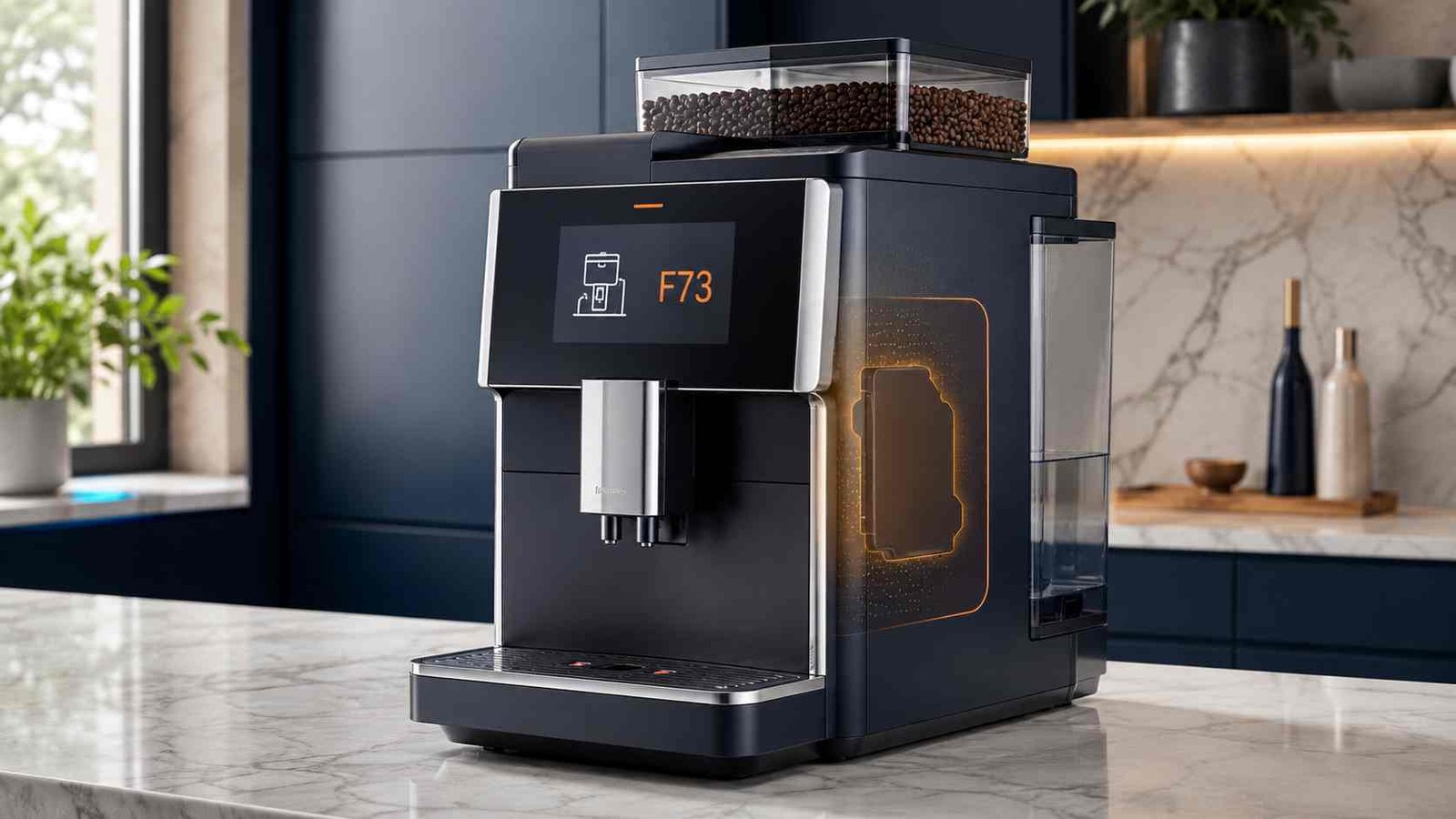
 The Miele coffee machine F73 error usually means the brew unit cannot move into its correct start or home position. On built-in machines, the code may also appear when the brew unit is dirty enough to prevent the machine from pressing the ground coffee properly.
Start by switching off the machine and identifying whether you have a countertop CM model, a built-in CVA machine with a grinder, or an older capsule-based built-in model. The correct procedure differs between these product families.
Do not force a stuck brew unit, open the appliance housing, or reach inside a capsule mechanism. Stop using the machine and arrange service if the code returns immediately, the brew unit remains jammed, or the machine makes repeated grinding or clicking noises.
Miele F73 Quick Answer
| Item | Details |
|---|---|
| Error code | F73 or FAULT–73 |
| Appliance | Miele automatic coffee machine |
| Usual meaning | Brew unit cannot reach its start or home position |
| Other possible meaning | Brew unit is dirty, coffee volume is excessive, or a capsule is jammed on selected models |
| Safe first check | Switch off the machine and identify the exact model family |
| Typical owner-level action | Rinse and reposition the removable brew unit, then initialise the brew-unit drive |
| Repair difficulty | Low to moderate when the brew unit can be removed normally |
| Can the machine be used? | No. Clear the fault before attempting another drink |
| Call for service when | F73 returns, the brew unit cannot move, or visible damage is present |
What Does Miele Error F73 Mean?
Miele defines F73 on most countertop machines as a condition in which the brew unit cannot move into its correct home or start position.
On built-in coffee machines with a grinder, Miele gives a slightly broader explanation: the brew unit may be unable to reach its correct position, or it may be soiled so that the ground coffee cannot be compressed properly.
The wording on the display may vary:
- F73
- FAULT–73
- Check the brew unit
- Insert brew unit after initialisation
These messages do not automatically prove that the brew unit or drive motor has failed. The machine may simply have lost track of the brew unit’s position after cleaning, drip-tray removal, interrupted movement, or a buildup of coffee residue.
Identify Your Miele Machine Before Resetting It
Do not use one reset sequence on every Miele coffee machine. First find the model number on the appliance label or in the machine’s settings menu.
Countertop CM 53xx, 54xx, 55xx, 6xxx and 7xxx
These machines normally require the brew unit to be removed, rinsed and left outside the machine while the brew-unit drive returns to its correct position.
Older CM 5000, CM 5100 and CM 5200
These models use a separate control-panel sequence. On these machines, FAULT–73 may occur if the drip tray is removed while the brew unit is still moving.
Built-In CVA Machines With a Grinder
The procedure depends on whether the brew unit can be removed. Miele also uses different coffee-ejector illustrations for CVA 2xxx–6xxx and CVA 7xxx machines.
Built-In Capsule Coffee Machines
On selected older capsule models, F73 can indicate that a capsule has failed to reach the capsule plate correctly or has become jammed near the brew unit.
Common Reasons for the F73 Error
| Possible reason | What may have happened | Appropriate action |
|---|---|---|
| Brew unit outside its correct position | Movement was interrupted during startup, shutdown or cleaning | Initialise the drive using the correct model procedure |
| Coffee residue on the brew unit | The mechanism cannot move or compress coffee normally | Rinse the removable unit under running water |
| Coffee ejector incorrectly positioned | The brew unit cannot be reinserted or aligned | Move the ejector to the position shown for the model |
| Too much ground coffee | Selected coffee quantity or bean volume overloads the unit | Reduce the coffee quantity |
| Grind is too coarse | The machine may struggle to process the coffee dose | Select a finer grinder setting where Miele recommends it |
| Drip tray removed too early | Relevant mainly to CM 5000, 5100 and 5200 | Use the model-specific control reset |
| Capsule jam | Relevant to selected capsule-based built-in machines | Remove only as directed using a non-sharp wooden tool |
| Mechanical drive fault | The code returns after correct cleaning and initialisation | Arrange professional service |
Safety Checks Before Troubleshooting
Switch off the machine before removing containers or the brew unit. Unplug a countertop model when the applicable Miele procedure instructs you to disconnect it.
Never force the brew unit. A unit that will not release may still be under pressure from the drive mechanism or may not be in its removal position.
Clean a removable brew unit under warm running water without dish soap or other cleaning agents. Miele explains that the moving parts are lubricated and cleaning products can damage the unit.
Safety warning: Do not open the machine housing, test live electrical parts, bypass door switches, or dismantle the brew-unit drive. On capsule machines, never place your fingers inside the brew mechanism.
How to Fix F73 on CM 53xx, 54xx, 55xx, 6xxx and 7xxx
Use this procedure only for the applicable countertop CM families.
- Confirm the F73 message by pressing OK.
- Switch off the coffee machine with its On/Off control.
- Disconnect the mains plug. Leave the machine unplugged for approximately two minutes.
- Open the service door and remove the brew unit according to the operating instructions for your model.
- Rinse the brew unit under running water without using dish soap, detergent or another cleaning agent.
- Remove loose coffee residue from the accessible filters using your fingers and water. Do not dismantle the unit.
- Move the coffee ejector into the correct position shown in the operating instructions for your model.
- Leave the brew unit outside the machine.
- Close the appliance door and switch the coffee machine on.
The machine should now initialise the brew-unit drive. Mechanical movement and operating noises during this process can be normal.
- Wait for the display to show Insert brew unit.
- Open the door, slide the brew unit into place and close the door.
Miele recommends reducing the programmed coffee quantity and/or selecting a finer grinder setting if F73 appears again. Some bean varieties produce a larger volume of ground coffee even when the programmed quantity has not changed.
Do not force the brew unit back into the machine. If it does not slide into place normally, the drive or coffee ejector may still be outside its correct position.
F73 Reset for CM 5000, CM 5100 and CM 5200
The following control sequence is specifically listed by Miele for CM 5000, CM 5100 and CM 5200 countertop machines.
- Empty the drip tray.
- Reinsert the drip tray fully.
- Switch off the coffee machine using the On/Off control.
- Press Espresso and Coffee at the same time.
- Release both controls.
- Press the OK control twice.
The machine should initialise the brew-unit drive and move it back into its home or start position. You may hear movement while this happens.
Do not apply this button combination to another Miele model unless its own manual gives the same instructions.
How to Clear F73 on a Built-In CVA Coffee Machine
When the Brew Unit Can Be Removed
- Confirm the fault message with OK.
- Remove the brew unit according to the model instructions.
- Rinse it under running water without cleaning agents.
- Push the coffee ejector into the correct position. Check the illustration for your CVA series because CVA 2xxx–6xxx and CVA 7xxx machines do not use identical illustrations.
- Insert the grounds container and water container.
- Leave the brew unit outside the appliance.
- Close the appliance door.
- Switch on the coffee machine.
The machine should initialise the brew-unit drive and display Insert brew unit.
- Open the door, insert the brew unit and close the door.
When the Brew Unit Cannot Be Removed
- Confirm the message with OK.
- Switch off the coffee machine.
- Wait approximately two minutes.
- Switch it on again.
Miele also advises that a brew unit which is not in its removal position may return to the correct position when the door is closed and the machine is switched on. If necessary, the process may be repeated two or three times. Stop if the mechanism sounds strained or the error continues.
F73 on a Built-In Capsule Coffee Machine
On selected capsule-based built-in machines, F73 can mean a capsule was not pushed correctly onto the capsule plate and may be damaged or jammed.
Miele’s general procedure is:
- Confirm the message with OK.
- Open the appliance door.
- Remove and empty the grounds container.
- Remove the capsule carousel and its runners.
- Reinsert the grounds container.
- Inspect the opening beside the capsule plate.
If a capsule is visible on the capsule plate, use the handle of a wooden spoon or a similar blunt object to push it backwards into the grounds container.
If the capsule is higher in the mechanism, use the wooden handle only as directed. Never reach into the brew unit with your fingers and do not use a knife, screwdriver or metal tool.
Arrange service if the capsule cannot be removed without force.
What to Do When F73 Returns
A reset that works once but does not prevent the code from returning suggests that the underlying condition has not been resolved.
Reduce the Programmed Coffee Quantity
A large dose can create more ground coffee than the brew unit can process. Reduce the quantity setting for the affected drink and test the machine again.
Review the Grinder Setting
Miele advises choosing a finer grinder setting on applicable models when the coffee volume is too high or the grounds are too coarse. Follow the grinder-adjustment instructions for your exact machine.
Do not make large or forced changes to the grinder control.
Try Different Coffee Beans
Some beans produce more ground volume because of their density, roast and oil content. A code that began after changing beans may be related to the new coffee rather than an immediate component failure. Miele specifically notes that some coffee types have a much higher grinding volume.
Check Brew-Unit Installation
Make sure the unit is fully seated, the handle is locked in the correct position and no loose grounds are obstructing the compartment.
Miele warns that changing the position of the brew-unit handle after removal can prevent the unit from being reinserted.
Stop Repeated Reset Attempts
Do not repeatedly cycle the power if the drive makes harsh clicking, grinding or knocking sounds. Repeated attempts could place additional strain on a jammed mechanism.
Does F73 Mean the Brew Unit Is Broken?
Not necessarily.
The code confirms that the machine cannot place or operate the brew unit correctly. It does not identify one specific failed component.
The issue may be limited to:
- Incorrect brew-unit position
- Coffee residue
- Incorrect coffee-ejector alignment
- Excessive ground-coffee volume
- Interrupted drive movement
- A capsule obstruction on selected machines
If the safe reset and cleaning procedure fails, a service technician may need to inspect the brew unit and its drive mechanism. Miele’s public F73 guidance does not identify a universal replacement part for this code.
Can You Continue Using the Machine?
Do not continue preparing drinks while F73 is displayed. The machine cannot confirm that the brew unit is in its correct operating position.
Using it again without clearing the fault may cause another interrupted cycle, spilled grounds or additional mechanical strain.
The machine can normally be tested after the appropriate reset has completed and the brew unit has been reinstalled without force.
When to Contact Miele Service
Arrange professional service when:
- F73 returns immediately after the official reset
- The brew unit cannot be removed or reinserted
- The brew unit, handle or coffee ejector appears damaged
- The machine makes repeated harsh clicking or grinding noises
- A capsule remains trapped inside the mechanism
- The appliance door will not close normally
- The machine shows another fault after initialisation
- Internal access or major disassembly would be required
Miele recommends contacting its service department or booking a repair when the applicable F73 procedure does not clear the fault.
How to Reduce the Chance of F73 Returning
Rinse the removable brew unit regularly according to the operating instructions. Use water only unless the machine specifically starts a separate maintenance programme that requires a Miele cleaning tablet.
Keep loose coffee grounds out of the brew-unit compartment. Allow the machine to complete startup, shutdown and rinsing movements before removing the drip tray or opening the service door.
Avoid setting the coffee quantity higher than the machine can process. When changing beans, watch for slow brewing, unusually large coffee pucks or recurring brew-unit messages.
Do not force the brew-unit handle, alter its position after removal, or push the unit into the machine when it is not correctly aligned.
Frequently Asked Questions
What does F73 mean on a Miele coffee machine?
F73 usually means the brew unit cannot move into its correct start or home position. On built-in grinder machines, the unit may also be too dirty to compress the ground coffee properly.
How do I reset the Miele F73 error?
The reset depends on the model. Newer CM machines normally require unplugging for two minutes, removing and rinsing the brew unit, and switching on the machine without it installed. CM 5000, 5100 and 5200 machines use a separate Espresso, Coffee and OK control sequence.
Why can’t I remove the Miele brew unit?
The brew-unit drive may not be in its removal position. Close the appliance door and switch the machine on so the drive can initialise. Do not pull harder or use tools.
Can I wash the Miele brew unit with dish soap?
No. Miele advises rinsing it under warm running water without dish soap or cleaning agents because its moving parts are lubricated.
Why does F73 return after I clean the brew unit?
The programmed coffee quantity may be too high, the grounds may be too coarse, or the coffee beans may produce an unusually large grinding volume. A continuing drive-position problem may also require service.
Can F73 be caused by the drip tray?
On CM 5000, CM 5100 and CM 5200 machines, FAULT–73 may appear when the drip tray is removed while the brew unit is moving into its correct position.
Is it safe to reach inside a capsule machine to remove a jam?
No. Miele warns users not to reach into the brew unit. Use only a wooden spoon handle or a similar blunt object as directed, and stop if the capsule cannot be removed safely.
Should I replace the brew unit when F73 appears?
Not based on the code alone. Clean and initialise the machine using the procedure for your model. Replacement should only be considered after the actual fault has been diagnosed.

Emily Carter is an Australian home-appliance safety editor with 9 years of experience researching washers, air conditioners, refrigerators, and coffee machines. She checks troubleshooting steps for accuracy, regional model differences, and homeowner safety before publication.