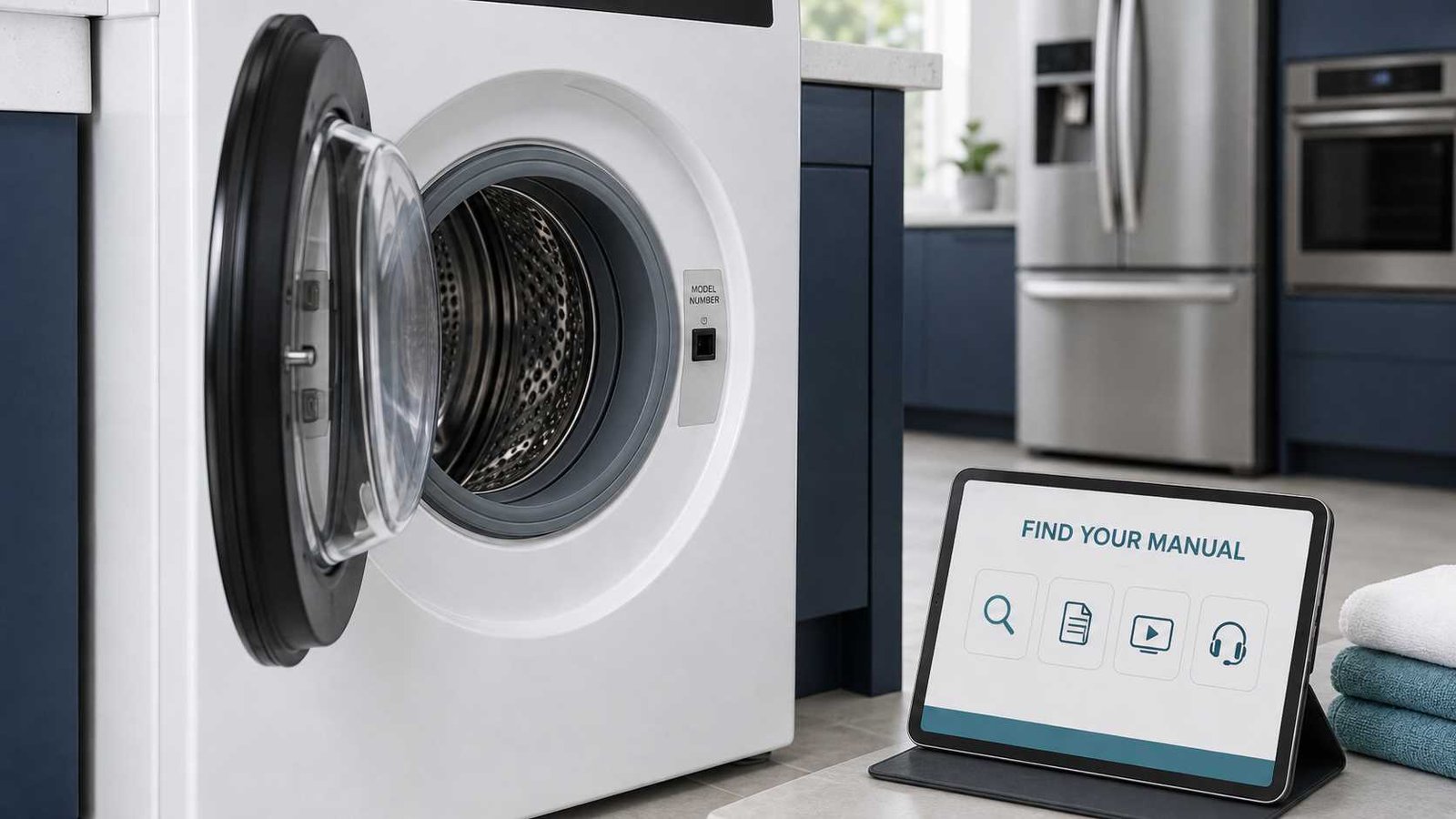
 To find the correct appliance manual, start with the complete model number printed on the appliance’s rating plate. Do not search only by the brand, appliance type, colour, or approximate age. Closely related models can have different control panels, maintenance procedures, installation requirements, error codes, and reset instructions.
Once you have the identifier, search the official manufacturer support website for the country where the appliance was originally sold. Manufacturers such as Whirlpool, Bosch, GE Appliances, Samsung, LG, Electrolux, AEG, and Miele provide model-based manual searches.
Do not remove service panels or move a heavy, built-in, gas-connected, or hardwired appliance just to read a hidden label. Check accessible locations, purchase records, registration accounts, packaging, or connected-appliance apps first.
| Question | Answer |
|---|---|
| What information do I need? | Brand, complete model number or model code, appliance type, and original sales region |
| Where is the number located? | Usually on a rating plate inside a door, around a door frame, beneath a lid, inside a compartment, or on an accessible exterior surface |
| Should I use the serial number? | Usually not for a basic manual search, although selected manufacturers may accept it |
| Where should I search first? | The manufacturer’s official support website |
| What document should I download? | Usually the owner’s manual or use-and-care guide |
| How do I confirm it is correct? | Match the model, control panel, appliance configuration, fuel type, region, and listed features |
| What if no manual appears? | Check the identifier, try the correct regional website, search an older-literature archive, or contact the manufacturer |
| Is a service manual safe for homeowners? | It may contain technician-level testing and repair information, so it should not be treated as a normal user guide |
Why the Exact Appliance Model Matters
Two appliances can look almost identical while using different components, controls, or software.
A model-specific manual may contain:
- The correct operating cycles and settings
- Error-code definitions
- Filter-cleaning instructions
- Reset procedures
- Installation clearances
- Electrical or gas requirements
- Maintenance schedules
- Accessory and replacement-part information
- Warranty conditions
- Safety warnings
Using a manual for a similar model may lead to incorrect button sequences or maintenance instructions. The risk is greater when the appliance has electronic controls, regional variants, gas connections, built-in installation requirements, or model-specific diagnostic functions.
Model Number, Serial Number, PNC, and E-Nr Explained
Appliance labels can contain several numbers. They do not all serve the same purpose.
| Identifier | What it normally means | Common use |
|---|---|---|
| Model number | Identifies the appliance model or configuration | Manuals, product support and general parts lookup |
| Model code | Another term for the product model identifier | Samsung and several other brands |
| Serial number | Identifies an individual appliance | Warranty, production history, service and recalls |
| E-Nr | Bosch model-number format | Bosch manuals, parts and support |
| PNC | Product Number Code used by Electrolux-group brands | Exact product identification, manuals and parts |
| ML or ELC code | Additional production or configuration identifier on selected products | Service, parts or product-variant identification |
| Material number | Document or product reference used by selected manufacturers | Manual and product-document searches |
GE Appliances distinguishes the model number from the serial number and notes that the serial number, rather than the model number, is used when determining an appliance’s age. Samsung also lists the model and serial information as separate identifiers on appliance labels.
Bosch calls its model identifier the E-Nr. AEG and Electrolux may ask for a model code or Product Number Code, normally shortened to PNC. Their rating plates can also show an ML code and serial number.
Record the Entire Label
Take a clear photograph of the complete rating plate rather than copying only one number. This reduces mistakes involving:
- Zero and the letter O
- One and the letter I
- Five and the letter S
- Slashes, periods and hyphens
- Regional suffixes
- Production or revision codes
Keep the original photograph even when the manufacturer’s search box asks you to omit punctuation.
How to Find the Appliance Identification Label Safely
Rating-plate locations vary by appliance type and model. Manufacturers provide category-specific label finders because there is no single universal location.
Common accessible locations include:
Washing Machines and Dryers
Check:
- Around the open door frame
- Behind the door
- Beneath the lid on a top-loading washer
- On an accessible rear or side panel
- Near the detergent drawer on selected models
Dishwashers
Open the door and inspect:
- The top edge of the door
- The left or right side of the inner door
- The edge of the dishwasher tub
Refrigerators and Freezers
Look:
- On an interior side wall
- Behind or beside a crisper drawer
- Near the lower exterior front edge
- Around the door opening
- On an accessible rear label
Ovens and Ranges
Check:
- Around the front frame after opening the oven door
- Beside or behind the storage drawer
- Beneath the control panel
- On an accessible side surface
Microwaves
Inspect:
- The door frame
- The interior wall near the opening
- The back of a countertop unit
- The cabinet label visible after opening the door
Hobs and Cooktops
The label is often underneath the appliance. It may no longer be accessible after installation.
Do not disconnect or lift an installed cooktop simply to read the label. Samsung advises that professional help may be appropriate when an installed cooktop must be removed and reinstalled to access its identification information. Purchase receipts, the original manual and pre-installation photographs may also contain the model details.
Use Your Phone Camera
A phone camera can help with labels in dark or awkward locations. Use good lighting, avoid glare, and photograph the whole plate straight on.
Bosch provides a mobile rating-plate photo option on selected manual-search pages, while some newer GE appliance labels include a QR code that can lead directly to model-specific support.
How to Search for the Correct Appliance Manual
1. Record the Brand and Complete Identifier
Write down or photograph:
- Brand
- Model number or model code
- PNC or E-Nr when applicable
- Serial number
- Appliance type
- Country where it was purchased
The model number is normally the most important item for a manual search.
2. Confirm the Appliance’s Original Market
Use the manufacturer website for the country or region where the appliance was originally sold, not simply the country where it is currently being used.
A product sold in Canada may not have the same documentation as a similarly named US model. The same principle applies to appliances sold in the UK, Ireland, Australia and New Zealand. Samsung’s Canadian identification guidance specifically notes that support information may have regional differences.
Regional differences may include:
- Voltage and plug requirements
- Gas specifications
- Control-panel labels
- Available programmes
- Error-code meanings
- Installation standards
- Warranty terms
- Language options
- Product-number suffixes
3. Open the Official Manufacturer Support Website
Look for a section named:
- Manuals and Downloads
- Owner Manuals
- Manuals and Literature
- Product Support
- Operating Instructions
- User Manuals
- Owner Centre
- Documentation
Avoid beginning with a general PDF-download website. The official manufacturer source is more likely to provide the correct revision and regional version.
4. Enter the Model Exactly as Shown
Start with the complete model identifier.
Formatting requirements vary. Kenmore, for example, instructs users not to include special characters in its manual search. Bosch searches by E-Nr, while AEG accepts a model code or PNC.
When the full number produces no result:
- Check every character again.
- Remove accidental spaces.
- Follow the formatting example beside the search box.
- Try the base model only when the manufacturer permits it.
- Select the full model from any suggested results.
Do not randomly remove suffixes. A suffix may identify a regional, colour, control, fuel, capacity, or production variation.
5. Choose the Correct Document
A product page may list several PDFs. Select the document that matches your task rather than downloading the first result.
GE Appliances, for example, may provide owner’s manuals, use-and-care documents, installation information and energy guides through its literature search.
6. Verify the Manual Before Following It
Check the first pages, specification section or document footer.
Confirm that:
- Your exact model is listed
- The model family clearly includes your appliance
- The control panel looks the same
- The appliance type and configuration match
- Gas or electric operation matches
- Capacity and major features are consistent
- The language and market are appropriate
- Safety information refers to the correct region
- The document is complete and readable
A single manual may legitimately cover several related models. That is acceptable when your exact model is included and the differences are clearly explained.
7. Save a Clearly Named Copy
Download the PDF and rename it in a useful format, such as:
brand-model-owner-manual.pdf
Store it with:
- Purchase receipt
- Warranty information
- Installation instructions
- Service history
- A photograph of the rating plate
This makes future troubleshooting, servicing and recall checks easier.
Which Type of Manual Do You Need?
| Document | Main purpose | Suitable for homeowners? |
|---|---|---|
| Owner’s manual | Operation, settings, cleaning, maintenance and basic troubleshooting | Yes |
| Use-and-care guide | Daily use, cleaning and care instructions | Yes |
| Quick-start guide | Basic setup and common controls | Yes, but may be incomplete |
| Installation instructions | Dimensions, connections, clearances and installation requirements | Useful for planning; installation may require a professional |
| Specification sheet | Measurements, capacity, features and utility requirements | Yes |
| Energy guide | Energy-use or efficiency information | Yes |
| Parts diagram | Component identification and parts references | Useful for identification, not necessarily repair |
| Technical sheet | Error codes, service mode, wiring or component tests | Normally intended for experienced repair personnel |
| Service manual | Internal diagnosis and repair procedures | Generally not suitable for untrained users |
Whirlpool states that technical sheets may include wiring information, voltage data, component testing, service-mode access and error codes. It also warns that these documents are intended for people with appropriate electrical, electronic and mechanical experience.
Safety Warning: Do not use a service manual as permission to test live voltage, bypass a safety device, disturb gas components, access refrigerant systems, open a microwave’s high-voltage section, or dismantle an appliance beyond normal user maintenance.
Brand-Specific Manual Search Terms
| Brand or manufacturer group | Identifier to look for |
|---|---|
| Bosch | Model Number or E-Nr |
| AEG | Model code or PNC |
| Electrolux | Model code, Model ID or PNC |
| Samsung | Model code or product name |
| LG | Full product model code |
| GE Appliances | Model number |
| Whirlpool | Model number |
| Kenmore | Model number without special characters |
| Miele | Product name, serial number or manual material number, depending on the search system |
These terms come from the manufacturers’ official manual and product-support systems.
What to Do When the Official Search Finds Nothing
Check for a Copying Error
Compare the search entry with your photograph. Pay close attention to letters, numbers, spaces and suffixes.
Try the Correct Regional Website
Search the manufacturer name followed by the country where the appliance was sold. A model that is absent from one regional support site may appear on another.
Search the Older-Literature Archive
Some manufacturers separate current product support from archived documentation.
GE Appliances states that its literature-only search can sometimes find manuals for older appliances that do not appear through the main product search.
Check Your Registered-Appliance Account
Whirlpool and GE Appliances allow registered users to access documentation associated with appliances in their owner accounts.
Also check:
- Purchase confirmation emails
- Retailer order history
- Warranty registration
- Original packaging
- Installation invoices
- Connected-appliance apps
- Previous service reports
Contact Manufacturer Support
Send the manufacturer:
- A clear rating-plate photograph
- Appliance type
- Approximate purchase date
- Country of purchase
- Any partial model information
- A photograph of the control panel
AEG provides a document-request option when its normal manual search does not return the required file.
Use Third-Party Archives Carefully
A third-party manual archive may be useful when official documentation is no longer available. Before relying on a file, check:
- Whether the exact model is listed
- Whether every page is present
- Whether the document has a manufacturer name and document number
- Whether the language and electrical region match
- Whether the file has been altered
- Whether the instructions conflict with current official safety guidance
Avoid files that require unusual software, browser extensions, payment details for a supposedly free manual, or unrelated downloads.
Useful Web Search Formats
When the manufacturer’s internal search is difficult to use, try a focused web search:
[brand] [complete model number] owner manual[brand] [complete model number] user manual PDF[model number] installation instructions[model number] use and care guidesite:[official manufacturer domain] [model number] manual
Place the full model number inside quotation marks when search results keep showing similar models.
Common Manual-Search Mistakes
Avoid these common errors:
- Entering the serial number when the page asks for the model number.
- Searching only for “Samsung washer manual” or “Bosch dishwasher guide.”
- Ignoring a regional or production suffix.
- Using the support website for the wrong country.
- Selecting a visually similar appliance.
- Confusing an installation guide with an owner’s manual.
- Following a service sheet intended for technicians.
- Moving a heavy or connected appliance to reach a hidden label.
- Assuming every error code has the same meaning across a brand.
- Downloading an incomplete or unidentified PDF.
Check for Product Recalls
Once you have the exact model and serial numbers, check whether the appliance is affected by a safety recall.
Recall notices may apply only to:
- Certain model numbers
- Specific serial-number ranges
- Particular manufacturing dates
- Selected production plants
- Models with a specific suffix
For example, US Consumer Product Safety Commission appliance recall notices identify affected products using precise model and serial information and show where the identification label is located.
Use the official product-safety authority for your country:
- United States: Consumer Product Safety Commission
- Canada: Health Canada Recalls and Safety Alerts
- United Kingdom: Product Safety Alerts, Reports and Recalls
- Australia: Product Safety Australia
- New Zealand: Product Safety New Zealand
- Ireland: Competition and Consumer Protection Commission
Stop using an appliance when an official recall notice instructs owners to do so.
Frequently Asked Questions
Is the appliance model number the same as the serial number?
No. The model number identifies the appliance model or configuration. The serial number identifies the individual unit and may contain production or age information. Manual searches normally begin with the model number.
Can I find an appliance manual using the serial number?
Sometimes. Most manufacturers ask for a model number, model code, E-Nr or PNC. Selected systems, including Miele’s operating-instruction finder, may also accept a serial number or document material number.
Does the model-number suffix matter?
It can. A suffix may identify the appliance’s market, colour, control design, fuel type, capacity or production version. Record the complete number first and remove characters only when the official search page specifically instructs you to do so.
Can one manual cover several appliance models?
Yes. Manufacturers often publish one manual for a group of related products. Confirm that your exact model appears in the document and check any notes explaining feature or control differences.
Where can I find a manual for a discontinued appliance?
Try the manufacturer’s literature archive, registered-product account and customer-support service. GE Appliances specifically maintains a literature search that may return documentation for older products not found through its main product pages.
Is an installation manual the same as an owner’s manual?
No. An owner’s manual explains operation and routine care. Installation instructions cover placement, clearances, utility connections and installation requirements. Some manufacturers combine both documents, but others publish them separately.
Is it safe to follow an appliance service manual?
Not necessarily. Service manuals and technical sheets may contain live electrical tests, wiring data, component checks and internal repair procedures intended for experienced repair personnel. Homeowners should limit their work to procedures the owner’s manual clearly identifies as user maintenance.
What should I do if the rating plate is unreadable?
Photograph it under different lighting and angles. Then check the receipt, packaging, appliance-registration account, warranty documents, connected-appliance app and installation records. Manufacturer support may be able to identify the appliance from a partial number and clear photographs of the product and control panel.

Ahmad Raza is the website administrator and content operations manager at Error Code Vault. With 11 years of experience in technical publishing, he manages site accuracy, author verification, source quality, updates, user feedback, and editorial compliance.