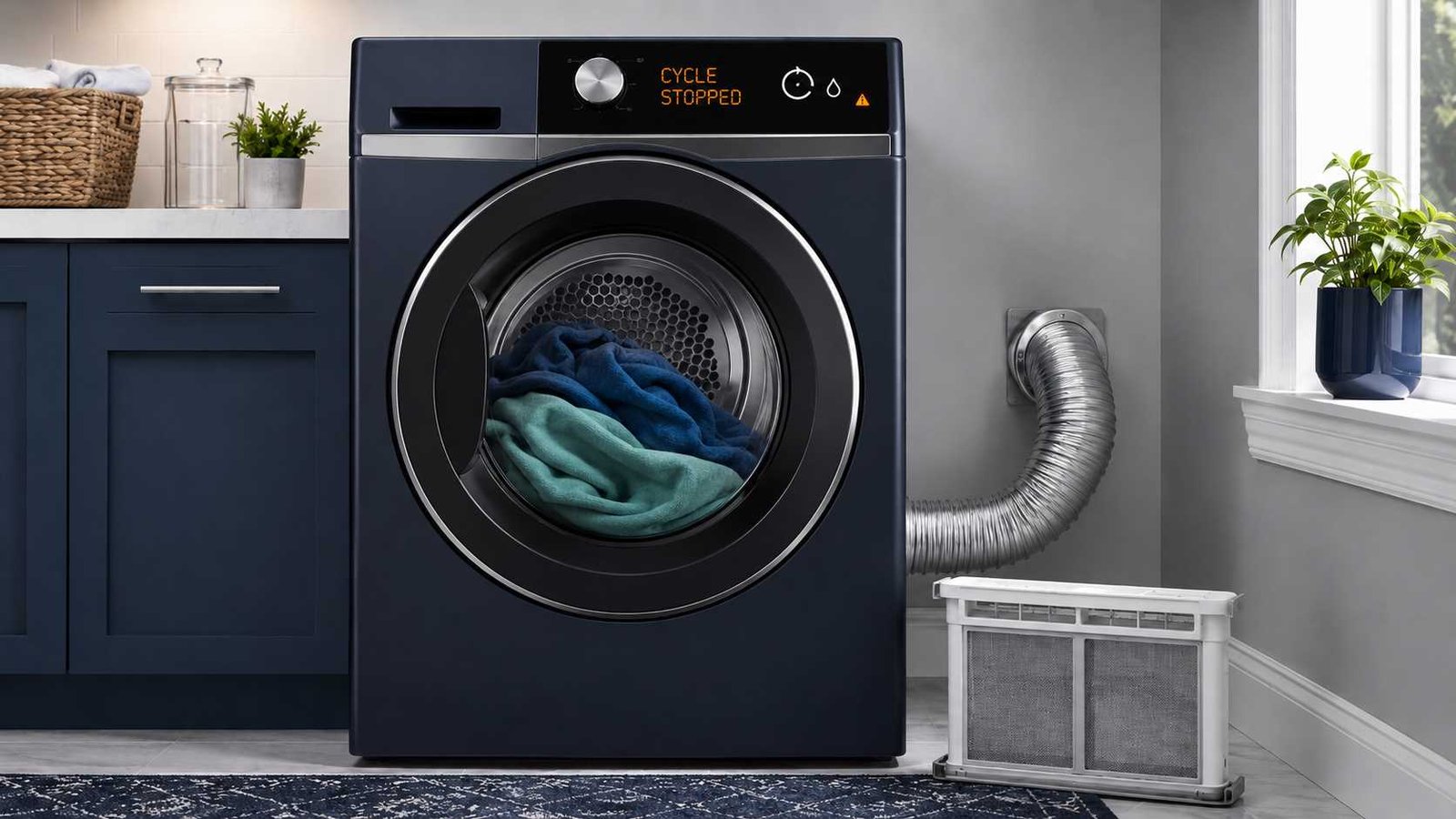
 A dryer that stops after a few minutes is not always suffering from a serious fault. An automatic cycle may be ending because the machine believes the clothes are already dry. This is common with very small loads, mixed fabrics, or dirty moisture sensors.
The situation is more concerning if the control panel goes blank, the dryer becomes unusually hot, or it will not restart until it has cooled. Restricted airflow, an intermittent power supply, a loose door latch, or an overheating motor may be involved.
Start by noting exactly what happens when the dryer stops. Check whether the display says End, loses power completely, or shows a filter, vent, tank, or error warning. Stop using the appliance if you notice smoke, scorching, a burning smell, a damaged power connection, repeated breaker trips, or excessive heat.
| Item | Details |
|---|---|
| Problem | Dryer starts but stops after a few minutes |
| Appliance | Vented, condenser, heat-pump, electric, or gas clothes dryer |
| Brand | This is a general cross-brand symptom |
| Most common simple cause | Sensor cycle ends early because of a small load, mixed fabrics, or sensor residue |
| Other common cause | Restricted airflow through the lint filter, hose, duct, or exterior vent |
| Safe first check | Note the display, clean the lint filter, and compare a sensor cycle with a timed cycle |
| Repair difficulty | Easy for external checks; professional diagnosis for internal parts |
| Can it still be used? | Only when there are no signs of overheating, electrical damage, gas leakage, or blocked airflow |
| Professional help required | When it repeatedly loses power, restarts only after cooling, trips the breaker, or stops after all basic checks |
First, Work Out How the Dryer Is Stopping
The exact shutdown pattern is more useful than the number of minutes it runs.
The display says End or Finished
The dryer may be completing the program normally because its moisture-sensing system believes the load has reached the selected dryness level.
Automatic cycles are designed to stop once the machine detects that the laundry is dry. A small load may not touch the moisture sensors often enough, while lighter items in a mixed load may dry before towels, jeans, or other heavy fabrics.
The control panel goes completely blank
A blank display points more toward a power interruption, electrical connection problem, protective shutdown, or internal fault.
Inspect only the visible power cord, plug, and outlet after disconnecting the dryer safely. Burn marks, melted plastic, a loose connection, or repeated breaker trips require an electrician or qualified service provider.
The panel stays on, but the drum stops
Check whether the door has moved slightly open or whether clothing is trapped around the door seal. A worn latch or door switch can interrupt the cycle because the dryer may incorrectly detect an open door. A damaged belt or motor problem is also possible, but these require internal access and professional diagnosis.
The dryer restarts only after cooling
This pattern can point toward overheating. Restricted airflow may cause excessive heat, while an overheating drive motor may activate its thermal overload protection.
Restarting after cooling is only a clue. It does not prove that the motor is defective, because vent restrictions and other faults can produce similar behaviour.
A warning or error code appears
Record the full code or symbol before switching the dryer off. A filter, tank, vent, drain, or airflow warning may direct you to a specific external check. Other codes may require model-specific service.
Do not assume that a generic reset will repair the cause.
Quick Symptom Guide
| What happens | Likely area to investigate | Safe first action |
|---|---|---|
| Dryer shows End, but clothes are damp | Load size, cycle choice, moisture sensing | Try a timed cycle with a normal damp load |
| Dryer stops only on Sensor Dry | Sensor contact, sensor residue, mixed fabrics | Clean the sensor as directed in the manual |
| Display goes blank | Power supply, breaker, overheating | Disconnect power and inspect visible connections |
| Dryer restarts after cooling | Airflow restriction or motor overheating | Clean the filter and check the full airflow path |
| Water-tank light appears | Condenser or heat-pump dryer tank | Empty and correctly reseat the tank |
| Dryer stops with a vent warning | Exhaust restriction | Stop using it until the vent is checked |
| Dryer stops when the door vibrates | Door latch or switch | Remove trapped laundry and inspect the latch |
| Breaker or RCD trips | Electrical fault or overloaded circuit | Stop use and contact an electrician |
1. Compare Sensor Dry With Timed Dry
This is one of the most useful homeowner-level checks.
Place a normal-sized load of damp, similar fabrics in the dryer. Select a Timed Dry, Time Dry, or Manual Dry program rather than an automatic moisture-sensing cycle.
Observe whether it continues running for the selected time.
- If Timed Dry runs normally but Sensor Dry ends after a few minutes, investigate the load size, dryness setting, moisture sensor, and fabric mix.
- If both programs stop unexpectedly, the problem is less likely to be caused only by moisture sensing.
- If the display loses power on both programs, investigate power, airflow, and possible overheating.
This comparison narrows the possibilities, but it does not confirm that a particular part has failed.
Samsung explains that small loads may not contact the sensor bars consistently. Electrolux similarly advises using Time Dry when the load is very small or has already been partly dried on a clothesline.
2. Check the Load Size and Fabric Mix
Very small loads
A single shirt, towel, or lightweight garment may repeatedly miss the sensor bars. The dryer can then interpret the lack of moisture contact as a dry load and finish early.
Add several similar damp items or use a timed program. Do not add dry items merely to overload or unbalance the drum.
Samsung gives approximately four regular bath towels as a minimum example for selected models, but this should not be treated as a universal specification. Check the manual for your dryer.
Mixed heavy and light items
Light shirts may dry and touch the sensors while jeans, towels, or thick seams remain damp. The machine may then end the cycle based on the drier items.
Separate lightweight fabrics from heavy fabrics when possible. Some dryers also provide a mixed-load alert or damp alert that signals before the full cycle ends.
Incorrect cycle selection
Quick, Rapid, Air, Fluff, Delicate, Eco, and refresh programs do not behave like a standard heated automatic cycle.
Some are designed for small loads. Others use reduced heat, no heat, or shorter run times. Review the cycle chart in the owner’s manual before treating a short program as a fault.
3. Clean the Moisture Sensor Safely
Moisture sensors are commonly located near the front of the drum, often close to the lint-filter housing. They usually look like two metal strips or bars, although their position varies.
Residue from dryer sheets, detergents, fabric-care products, or minerals can reduce their ability to detect damp laundry. Samsung recommends a soft cloth with a small amount of dish soap for its dryers. Bosch notes that residue and limescale may also affect sensing, while warning against steel wool and damaging abrasives.
Use this general method:
- Switch the dryer off and disconnect it from power.
- Locate the sensor using the owner’s manual.
- Wipe it gently with the manufacturer-approved cleaning method.
- Remove any remaining cleaning residue.
- Allow the area to dry.
- Reconnect the dryer and test it with a normal damp load.
Do not sand the sensor bars or use steel wool. Cleaning instructions differ by brand and surface finish.
If timed cycles work but automatic cycles still stop early after the sensor has been cleaned, the sensor circuit may require professional testing.
4. Clean and Correctly Refit the Lint Filter
A dirty lint or fluff filter restricts airflow. Clean it before or after every cycle and make sure it is fully reinserted.
Look for:
- Thick lint across the screen
- Fabric-softener residue that makes the mesh appear coated
- A torn or warped filter
- Lint trapped around the filter housing
- A filter that does not sit correctly
Do not operate the dryer without its lint filter.
The U.S. Fire Administration warns that an unclean lint filter and dryer vent increase dryer-fire risk. It recommends cleaning the filter before and after each cycle.
Cleaning the filter is important, but a clean filter does not prove that the rest of the vent is clear.
5. Check the Dryer’s Airflow Path
This section mainly applies to vented dryers, including many North American electric and gas models.
With the dryer switched off and disconnected, inspect the accessible hose behind it. Look for:
- A crushed hose
- A sharp bend
- A hose trapped against the wall
- Visible lint at the connection
- Damage or separation
- An excessive number of bends
Next, check the exterior vent hood while the dryer is running only when it is otherwise safe to operate. The flap should open and there should be noticeable airflow.
The U.S. Fire Administration advises checking that the vent behind the dryer is not damaged, crushed, or restricted and that the outdoor vent covering opens during operation. LG also warns that continued operation with a known duct restriction may create an unsafe condition.
Arrange professional duct cleaning when:
- Airflow remains weak
- The duct runs through a wall, ceiling, roof, or long concealed route
- The vent repeatedly blocks
- The dryer or laundry room becomes unusually hot
- Clothes take much longer to dry
- A vent warning returns after basic cleaning
- You cannot safely access the complete duct
Do not bypass an airflow warning or keep resetting the appliance without correcting the restriction.
6. Checks for Condenser and Heat-Pump Dryers
Many UK, Irish, Australian, New Zealand, and European-market tumble dryers collect water instead of sending all moist air through an outdoor vent.
Empty the condensate tank
A condenser or heat-pump dryer may stop when its water tank is full. Empty the tank and reinstall it correctly.
Check whether the full-tank indicator remains on after the tank has been emptied. An incorrectly seated tank or a drainage problem may require further attention.
Check the external drain hose
Some dryers send condensate directly into a household drain.
Inspect the accessible hose for:
- Kinks
- Crushing
- Twisting
- Incorrect routing
- A blocked or submerged outlet
- Recent installation changes
Electrolux states that selected dryers may stop if there is a problem with the external drain and recommends checking that the hose is correctly installed and not twisted or kinked.
Clean accessible filters
Heat-pump and condenser dryers may have more than one user-cleanable filter. Follow the manual carefully because filter and heat-exchanger access differs by model.
Do not remove covers or clean internal heat-pump components unless the manufacturer identifies them as user-serviceable.
7. Inspect the Door and Latch
The dryer must continue detecting a securely closed door throughout the cycle.
Check for:
- Socks, fabric, or drawstrings trapped in the opening
- Lint packed around the latch
- A visibly cracked or loose latch
- A door that drops or moves when lightly touched
- A cycle that stops when the dryer vibrates
Close the door firmly without slamming it and start another cycle.
A defective door switch or worn latch can interrupt operation. Replacement usually requires dismantling part of the dryer or door, so internal repair should be left to a qualified technician.
8. Check the Visible Power Supply
A dryer that loses all display power is different from one that ends a cycle normally.
Switch off the breaker before touching or inspecting the power cord. Then check the visible plug, cord, and outlet for:
- Burn marks
- Discolouration
- Melted material
- Cracks
- Loose fitting
- Exposed wire
- Heat damage
Stop troubleshooting and arrange qualified electrical help if any damage is visible.
Samsung also advises contacting an electrician when the breaker repeatedly trips or when the installation appears loose, damaged, or incorrect. North American electric dryers commonly use a two-part 240-volt circuit, while gas dryers generally use a standard lower-current outlet. Electrical arrangements differ in other countries, so never apply one region’s voltage instructions to another.
Do not open the terminal block, test live voltage, replace internal wiring, or move a hardwired appliance unless you are qualified to do so.
9. Can Resetting the Dryer Help?
A power reset may clear a temporary control interruption, but there is no universal reset time or button sequence for all dryers.
For example:
- Samsung advises switching the breaker off for approximately 30 seconds during selected power troubleshooting.
- Electrolux advises unplugging selected tumble dryers for five minutes before reconnecting them.
Use only the procedure in your model’s manual.
Before resetting:
- Record any error code.
- Stop if the dryer smells hot, scorched, or burnt.
- Check the filter, vent, water tank, and drain where applicable.
- Inspect the visible power connection.
- Disconnect power safely.
A reset cannot repair a crushed vent, damaged cord, failing door switch, overheating motor, broken belt, or defective sensor.
10. What Restart Behaviour May Indicate
| Restart behaviour | Possible interpretation |
|---|---|
| Restarts immediately and completes Timed Dry | Sensor cycle, load, or dryness-setting issue |
| Restarts when the door is pushed closed | Door latch or switch problem |
| Restarts only after cooling | Airflow restriction or overheating motor |
| Does not restart and display is blank | Power supply or internal electrical fault |
| Restarts after emptying water tank | Normal protective stop on a condenser or heat-pump dryer |
| Stops repeatedly with a vent warning | Exhaust restriction that must be corrected |
| Runs but drum no longer turns | Drive belt, motor, or drum-drive problem |
These patterns help organise the diagnosis. They do not identify a failed part with certainty.
11. Possible Faulty Parts When Basic Checks Fail
| Component or system | Typical clue | Homeowner repair? |
|---|---|---|
| Moisture sensor or sensor circuit | Sensor cycles stop early, while timed cycles continue | Clean externally; internal testing requires service |
| Door switch or latch | Dryer stops when the door moves or vibrates | Inspect externally; replacement usually requires service |
| Drive motor | Stops after warming up and restarts after cooling | Professional diagnosis |
| Drive belt | Motor sound may continue but drum stops, or appliance will not tumble | Professional repair |
| Power cord or outlet | Blank display, heat damage, intermittent power | Electrician or qualified installer |
| Vent system | Weak airflow, excessive heat, long drying, vent warning | Clean accessible areas; concealed ducts may need professional cleaning |
| Condensate drain system | Tank or drain warning, stopping despite empty tank | Check accessible hose and tank; internal repair requires service |
| Gas heating components | Heat repeatedly cuts out on a gas dryer | Qualified gas-appliance technician |
Whirlpool identifies blocked airflow, electrical supply, drive belt, door switch, motor overheating, moisture sensing, and door-latch problems as possible causes of repeated mid-cycle stopping.
12. When to Stop Using the Dryer
Disconnect the dryer and arrange professional help when you notice:
- Smoke or visible sparks
- A burning or scorching smell
- A damaged, melted, or unusually hot plug
- Repeated breaker or RCD trips
- Excessive cabinet or laundry-room heat
- A vent warning that remains after cleaning
- No airflow at the exterior vent
- The dryer repeatedly stopping and restarting after cooling
- A loose electrical connection
- A gas smell near a gas dryer
If you smell or hear leaking gas, leave the property and contact the local gas emergency authority from outside. Do not continue troubleshooting the appliance.
Dryer fire-safety guidance also recommends professional installation and servicing, regular lint removal, and keeping the vent system unrestricted.
13. Information to Give the Technician
Before arranging service, write down:
- Brand and complete model number
- Cycle selected
- Approximate time before stopping
- Whether the display says End or goes blank
- Whether the dryer restarts immediately
- Whether it restarts only after cooling
- Load size and fabric type
- Any warning light or error code
- Whether Timed Dry behaves differently
- Whether the lint filter and vent were checked
- Whether the water tank was full
- Whether the breaker or RCD tripped
- Any unusual smell, noise, or heat
This information can help the technician distinguish a sensing issue from an airflow, power, door, motor, or drainage fault.
Frequently Asked Questions
Why does my dryer stop after five minutes?
The most common simple explanation is that an automatic cycle believes the load is dry. A small load, mixed fabrics, or residue on the moisture sensor can cause this. If the display goes blank or the dryer restarts only after cooling, investigate airflow, power, and possible overheating instead.
Can a clogged vent make a dryer shut off?
Yes. Restricted airflow can increase operating temperature, and selected dryers may stop as a protective response or display a vent warning. Stop using the dryer if airflow is weak or a blockage warning remains.
Why does my dryer run on Timed Dry but stop on Sensor Dry?
That pattern commonly points toward load size, fabric mix, dryness settings, or moisture sensing. Clean the sensor according to the manual and test with a normal-sized damp load. A faulty sensor remains possible if the problem continues.
Why does my dryer restart after it cools down?
An overheating motor may activate thermal overload protection, but restricted airflow can produce a similar symptom. Clean the filter, check the vent path, and arrange service if the pattern continues.
Can a full water tank stop a tumble dryer?
Yes. Selected condenser and heat-pump dryers stop when the condensate tank is full. Empty the tank, reinstall it correctly, and check the drain hose if the warning returns.
Is it safe to use a dryer that keeps stopping?
Not until you understand why it stops. Do not use it when there is excessive heat, a burning smell, visible electrical damage, repeated breaker trips, no exterior airflow, a persistent vent warning, or a gas smell.
Will unplugging the dryer fix the problem?
A power cycle may clear a temporary control issue, but it cannot repair a blocked vent, damaged power connection, failing motor, broken latch, or defective sensor. Reset instructions vary by model and region.
When should I call a dryer technician?
Arrange service when the dryer still stops after checking the cycle, load, sensor, filter, vent, tank, drain, door, and visible power supply. Professional diagnosis is also needed when it stops after warming up, will not restart, displays a persistent error, or requires internal part testing.

Daniel Brooks is a US-based appliance troubleshooting researcher with 12 years of experience studying washer, dryer, refrigerator, and dishwasher faults. He reviews manufacturer manuals and converts technical error codes into safe, practical guidance for homeowners.