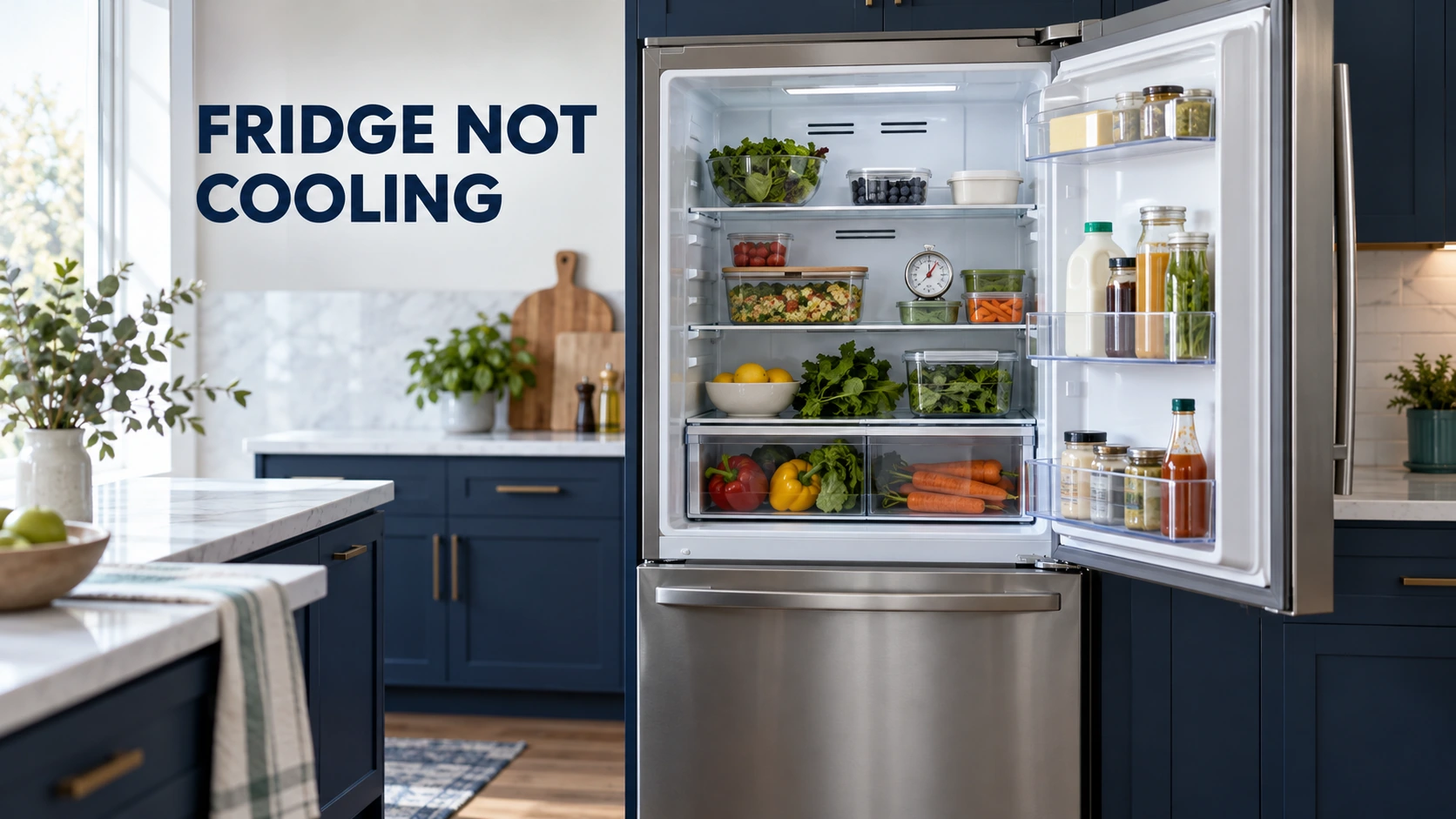
If your LG fridge is not cooling, check the refrigerator and freezer temperatures separately before assuming the compressor has failed. Confirm that cooling is enabled, check for Demo Mode, move food away from air vents and make sure both doors close fully. Whether the freezer still freezes is the most useful clue for deciding what to check next.
Food safety comes first. Keep refrigerated food at 40°F (4°C) or below and the freezer near 0°F (-18°C). Use appliance thermometers to check actual temperatures because LG says a control-panel number can show the selected target, not the temperature inside. Move perishables to a working refrigerator or an adequately iced cooler if the compartment is too warm. Food held above 40°F (4°C) for more than two hours may need discarding; follow the FoodSafety.gov food-specific chart when making that decision. Never taste food to judge safety.
First, check whether the freezer is still cold
Look at the food and, preferably, an independent thermometer in each section. An LG fridge with a properly cold freezer but a warm fresh-food compartment calls for different checks from one where both compartments are warming. LG has several designs, including models that distribute air between compartments and others with different evaporator arrangements, so a particular fault cannot be diagnosed from this symptom alone.
| What you find | Check next | What the result means |
|---|---|---|
| Freezer stays near 0°F (-18°C), fridge is too warm | Fresh-food setting, blocked vents, door closure and visible frost | Airflow or compartment-specific cooling may need attention. |
| Both refrigerator and freezer are warm | Power, Demo Mode, settings, ventilation and door seals | If those are correct, shared cooling-system diagnosis may be needed. |
| Display shows OFF, OF F or O F F | LG model-specific Demo/Display Mode instructions | On applicable models, Demo Mode disables cooling while controls remain active. |
| Heavy frost or ice develops | Door gaps and the location of frost | Air leakage or a defrost-related issue is possible; do not chip ice. |
| Fridge cools but remains above 40°F (4°C) | Measure actual temperature, clear vents and adjust setpoint if needed | Protect food while determining whether cooling recovers. |
Five LG refrigerator checks you can do safely
1. Check the temperature setting, not just the display
LG’s current refrigerator guidance generally recommends a fresh-food setting around 34–37°F (1–3°C), while its broader temperature-setting guidance gives 37°F (3°C) for the refrigerator and 0°F (-18°C) for the freezer. Available controls and ranges depend on the model and region. If the display is locked, consult your model manual before changing it. A selected 37°F does not prove the food is currently at 37°F.
2. Check for LG Demo Mode
On supported LG refrigerators, OFF, OF F or O F F on the control panel may indicate Demo Mode, also called Display Mode. LG confirms this disables refrigeration while lights and the control panel may still function. The exact button sequence differs by model year and control layout. Use LG’s Demo Mode instructions for the matching model; do not copy a combination from a different refrigerator. If the display shows another message, check LG’s error-code information rather than treating every message as Demo Mode.
3. Clear air vents and reduce crowding
Move cartons and packages away from visible interior vents. Also check the freezer, especially on models where its airflow affects the fresh-food section. LG recommends leaving space for air circulation rather than packing shelves tightly. Do not remove an internal rear panel to look for a fan or duct.
4. Check doors, bins and accessible gaskets
Push back items that stick out, seat drawers and shelves correctly, and check that bottles in door bins do not obstruct closure. Inspect the rubber seals for dirt, tears, folding or obvious gaps. Clean the accessible gasket as directed in the use-and-care instructions. A door left ajar can admit warm, moist air and cause both condensation and frost.
5. Check installation conditions and external airflow
Ensure the refrigerator has the wall clearance specified for its model and is not crowded against a heat source. Ambient-temperature limits vary, particularly for units installed in garages or unheated spaces. Only clean external ventilation or condenser areas that LG identifies as user-serviceable for your model. Do not remove service panels or reach near electrical connections or moving fans.
If the freezer is cold but the LG refrigerator is warm
Begin with blocked refrigerator vents, incorrect settings, a poorly closed fresh-food door and frost restricting airflow. A refrigerator fan, damper or defrost fault is possible on relevant models, but the layout and components differ. Do not assume an evaporator fan must be replaced just because the freezer works. For a more detailed symptom comparison, see the freezer cold but fridge warm troubleshooting guide.
If neither compartment is cooling
First verify the power connection and any accessible household supply issue without opening electrical covers. A working display is not proof that the cooling system is running. Recheck Demo Mode, the cooling settings and door closure. If the refrigerator is newly installed or has recently been serviced, temperatures can take time to stabilize, but food must still be protected based on measured temperature.
If both sections remain warm after these checks, professional diagnosis may involve a fan or sensor, electronic control, compressor drive, or sealed refrigeration circuit. These are possibilities, not confirmed part failures. A humming sound, clicking or silence is insufficient by itself to identify which part is faulty.
What frost, clicking or error codes can tell you
Heavy frost may follow a door that has not sealed, but recurring frost with poor airflow can also justify checking a model-specific defrost system. Record where frost appears and whether it returns. Do not remove it with a knife, heat gun or sharp tool because hidden tubing and the liner can be damaged.
If the control panel shows a code, record its exact characters, including the difference between 1, I, O and 0. LG’s refrigerator error-code list varies by type and display. An error code can identify an area to investigate, not automatically prove a specific component needs replacement. Do not repeatedly reset the refrigerator to hide a persistent error.
When to stop troubleshooting and call for service
- The refrigerator remains above safe storage temperature or the freezer cannot maintain freezing after settings, airflow and door checks.
- Both compartments continue warming, food thaws, or frost repeatedly blocks air movement.
- The appliance repeatedly trips the breaker or shows a damaged cord, scorch marks or an electrical burning smell.
- You suspect damage to refrigerant tubing or a sealed-system fault. Avoid ignition sources if a flammable refrigerant leak is suspected, and follow the appliance’s safety label.
Do not test live components, open sealed refrigerant piping, bypass switches or attempt a compressor repair as a homeowner check. Before contacting LG support or a qualified repairer, note the complete model number, both measured compartment temperatures, the display message, whether the freezer still freezes, any frost pattern and when the problem started. That information helps distinguish a simple operating issue from a fault requiring professional testing.
Related video: Watch on YouTube

Ahmad Raza is the website administrator and content operations manager at Error Code Vault. With 11 years of experience in technical publishing, he manages site accuracy, author verification, source quality, updates, user feedback, and editorial compliance.