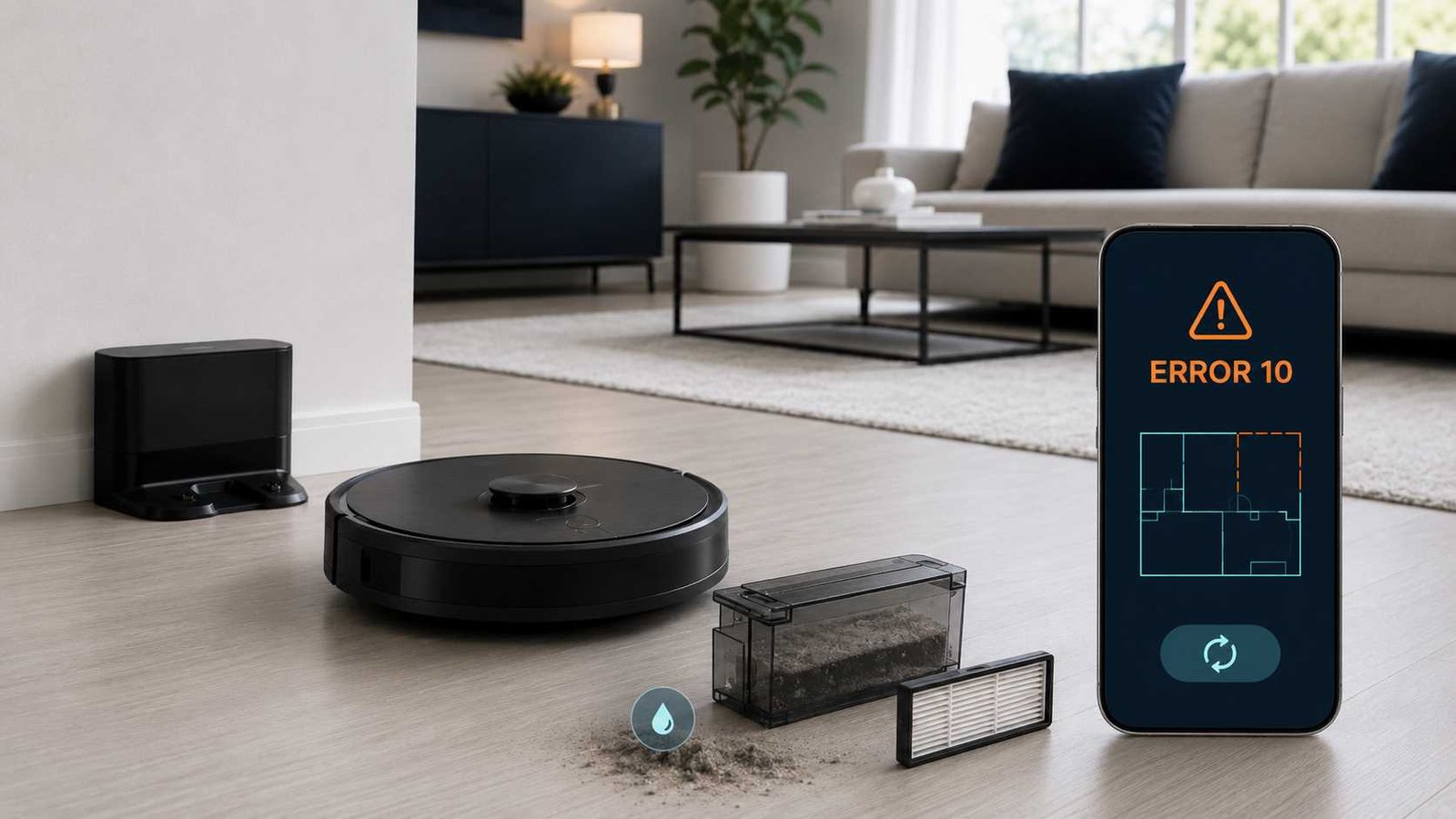
 Roborock Error 10 usually means the robot has detected that its washable filter is blocked, damp, or unable to pass enough air. On some newer models, you may see Filter blocked or wet without the number 10.
Start by removing the dustbin and checking the filter. Clean it with fresh water if it is dusty, then leave it to air-dry completely before reinstalling it. Selected Roborock manuals recommend at least 24 hours of drying.
Do not continue vacuuming with a damp filter. If the warning returns with a clean, completely dry, correctly fitted filter, test a compatible replacement filter. Stop troubleshooting and contact Roborock support if the new filter does not clear the warning.
Roborock Error 10 Quick Answer
| Item | Details |
|---|---|
| Brand | Roborock |
| Appliance | Robot vacuum |
| Error | Error 10 or Filter blocked or wet |
| Meaning | The filter may be wet, clogged, damaged, or restricting airflow |
| Most common first cause | A damp or dust-blocked washable filter |
| Safe first check | Remove the filter and confirm that it is clean and completely dry |
| Recommended drying time | At least 24 hours on models whose manuals specify it |
| Repair difficulty | Easy for filter cleaning; professional help may be needed if the warning persists |
| Can the robot still be used? | Not with a damp or visibly blocked filter |
| When to contact support | When a clean, dry replacement filter does not clear the warning |
What Does Roborock Error 10 Mean?
On the Roborock S4 Max, Error 10 specifically means that the filter is not completely dry or may be blocked. The official manual says to dry the filter for at least 24 hours, clean it if necessary, and replace it if the error remains.
Roborock’s general support guidance is similar: clean the filter, dry it thoroughly, reinstall it, and try again. If the warning continues, contact customer support.
Some newer manuals do not label this condition as Error 10. For example:
| Model | Warning shown in official documentation |
|---|---|
| Roborock S4 Max | Error 10: Make sure the filter is dry or clean the filter |
| Roborock S7 | Filter blocked or wet |
| Roborock Q7 | Filter blocked or wet |
The basic response remains the same: clean the filter, let it dry fully, reinstall it, and retry.
Why the Filter Blocked or Wet Warning Appears
The filter is still damp
This commonly happens when a washable filter is returned to the dustbin too soon after rinsing. The outside may feel dry while moisture remains inside the pleated filter material.
Roborock’s S4 Max and S7 documentation recommends at least 24 hours of air-drying before the filter is reused. Drying may take longer in a cold, enclosed, or humid room.
Fine dust is blocking the filter
Fine household dust, carpet powder, ash-like particles, or construction dust can collect deep inside the filter pleats. A filter may look reasonably clean from one side while still restricting airflow.
Roborock manuals recommend rinsing the filter repeatedly and gently tapping its frame to release trapped dirt.
The filter was not cleaned correctly
Using detergent, scrubbing the pleats, or pressing sharp objects into the filter can leave residue or damage the filter material.
Selected Roborock manuals instruct owners to use fresh or clean water without cleaning liquid. They also warn against touching or scrubbing the filter surface with hands, brushes, or hard or sharp objects.
The filter is worn or damaged
A filter can become misshapen, torn, heavily stained, or permanently restricted after extended use. Selected S7 and Q7 manuals list a replacement interval of approximately 6 to 12 months, but the actual interval depends on usage, dust levels, cleaning frequency, and the exact model.
The dustbin or filter is not fitted correctly
The robot may not operate normally when the dustbin or filter is missing or incorrectly seated. Roborock lists a missing dustbin or filter separately as Error 9 on models using numbered errors, so check that both parts are installed correctly before assuming there is an internal fault.
Airflow may be restricted beyond the removable filter
When Error 10 returns with more than one clean, dry filter, restricted airflow elsewhere in the suction system becomes possible. Roborock’s public Error 10 instructions do not provide a homeowner procedure for opening internal air passages.
Internal cleaning, electrical testing, or suction-motor access should therefore be left to Roborock support or a suitable repair service.
How to Fix Roborock Error 10
1. Stop the cleaning cycle
Pause the robot and move it to a dry, well-lit area. Do not keep restarting the cleaning cycle while the filter is wet or visibly blocked.
Open only the normal top cover and dustbin compartment. Do not remove the robot’s outer casing.
2. Remove the dustbin
Lift out the dustbin and empty all collected debris into a waste container.
Check the dustbin inlet and lid for loose hair, lint, paper, or compacted dust that can be removed without tools.
3. Remove the washable filter
Release the filter from the dustbin using the normal filter cover or retaining clips.
Check for:
- Dampness between the pleats
- Heavy grey or dark dust buildup
- Bent or crushed filter material
- Tears or separated edges
- A filter that does not sit flat in its holder
4. Rinse the filter with clean water
Rinse the washable filter repeatedly under fresh water.
Do not add dishwashing liquid, household cleaner, disinfectant, or fragrance unless your exact model manual specifically permits it. The S4 Max, S7, and Q7 manuals reviewed for this guide instruct users to clean the filter without cleaning liquid.
5. Tap the filter frame gently
Hold the filter by its frame and tap it gently to help release dirt from the pleats.
Do not scrub, scrape, or push objects into the filter material. Roborock warns that hands, brushes, sharp objects, and hard objects can damage the filter surface.
6. Clean the dustbin
Where the model manual permits washing the dustbin, rinse it with clean water and gently shake it to loosen remaining dust.
Make sure the dustbin and its lid are fully dry before reassembly. Never place a wet dustbin back above the robot’s suction opening.
7. Air-dry the filter completely
Leave the filter in a ventilated indoor location until it is dry throughout.
Allow at least 24 hours where specified by the model manual. Do not use:
- A hair dryer
- A heater
- An oven
- A clothes dryer
- Direct high heat
- A microwave
- An open flame
Forced heat can deform the frame or damage the filter material. Keeping a second compatible filter allows the robot to remain available while the washed filter dries; Roborock recommends alternating filters in selected manuals.
8. Reinstall the filter correctly
Fit the dry filter evenly into its holder. Close the filter cover and make sure the dustbin lid is properly secured.
Return the dustbin to the robot and confirm that it sits fully in position.
9. Start a short test clean
Place the robot on a clean, dry floor and start a short cleaning cycle.
Listen for normal suction and watch for the warning to return. Stop immediately if the robot produces an unusual grinding sound, strong electrical smell, smoke, or excessive heat.
10. Test a compatible replacement filter
When the old filter is dry but Error 10 returns, install a new filter made for the exact Roborock model.
The S4 Max manual specifically advises replacing the filter when correct cleaning and drying do not resolve Error 10.
What Not to Do
Safety warning: Do not open the robot casing, bypass the filter, run the vacuum without its filter, or probe the suction motor with tools.
Also avoid:
- Reinstalling a filter that feels slightly damp
- Scrubbing the filter pleats
- Washing the filter with detergent
- Drying the filter with concentrated heat
- Using high-pressure air close to the filter material
- Fitting a filter that does not match the model
- Repeatedly restarting the robot when the warning immediately returns
- Treating a factory reset as a substitute for cleaning a blocked filter
How Long Should a Roborock Filter Dry?
Allow the filter to dry until there is no moisture inside its pleats or frame.
Roborock gives an at least 24-hour recommendation in the S4 Max error table and the S7 maintenance schedule. The Q7 manual reviewed here tells owners to leave the dustbin and washable filter to dry but does not state a specific number of hours.
The safe approach is to wait longer when:
- The room is humid
- The filter was soaked thoroughly
- Airflow around the filter is poor
- Water remains near the frame
- The filter still feels cool or damp
Do not judge dryness only by the visible outer surface.
Should You Replace the Filter?
Replace the filter when:
- It remains visibly blocked after repeated rinsing
- The pleats are torn or crushed
- The frame is bent
- The filter no longer fits securely
- Error 10 returns after complete drying
- A second cleaning does not improve airflow
- The filter has reached the interval stated in your model manual
Some Roborock manuals recommend replacing washable filters every 6 to 12 months. This is not a universal deadline for every model, so check the maintenance section for your exact robot.
Does Resetting Clear Roborock Error 10?
A restart may clear a temporary warning after the physical problem has been corrected. It will not dry a wet filter or remove compacted dust.
Use this order:
- Clean and fully dry the filter.
- Reinstall the dustbin and filter.
- Start a new cleaning cycle.
- Restart the robot only if it is not responding normally.
- Avoid a factory reset unless your exact manual or Roborock support directs you to perform one.
Roborock manuals note that a system reset may resolve some problems, but the specific official response to Error 10 is filter cleaning and drying. A factory reset can also remove settings and Wi-Fi information without correcting restricted airflow.
Error 10 but the Filter Is Clean and Dry
Follow this decision path:
- Confirm that the filter dried for a full day or longer.
- Check that the filter and dustbin are installed correctly.
- Empty and clean the dustbin.
- Test the robot on a hard, dry floor.
- Fit a new compatible dry filter.
- Update the robot’s firmware through the official app where an update is available.
- Contact Roborock support if the warning returns.
At that point, further diagnosis may involve an internal airflow restriction, fan assembly, connection, or control issue. The Error 10 warning alone does not identify which internal component, if any, has failed.
Error 10 Versus Error 18
Roborock treats a blocked-or-wet filter warning and a fan error as separate conditions.
| Warning | Official meaning | First response |
|---|---|---|
| Error 10 | Filter is wet or blocked | Clean, fully dry, reinstall, and replace if necessary |
| Filter blocked or wet | Filter airflow warning on selected models | Clean, dry, and retry |
| Error 18 | Fan error | Follow the model’s reset guidance and contact support if it remains |
Do not assume that Error 10 proves the suction fan has failed. On the S4 Max, S7, and Q7 manuals reviewed, Error 18 is the separately listed fan error.
Models and Warning Formats
The warning can appear differently across Roborock generations.
Roborock S4 Max
The manual uses the numbered Error 10 and gives a detailed 24-hour drying recommendation.
Roborock S7
The manual lists Filter blocked or wet. Clean, dry, and retry without placing an Error 10 number beside the warning. Its maintenance schedule says to air-dry the washable filter for at least 24 hours.
Roborock Q7
The manual also lists the blocked-or-wet warning without a number. It advises cleaning the washable filter with clean water, avoiding cleaning liquid, and leaving it to dry before reinstallation.
Other S, Q, and Qrevo models may use different app wording, voice messages, filter designs, or maintenance schedules. Check the manual associated with the exact model name shown on the robot’s rating label or in the Roborock app.
Can You Continue Using the Robot?
Do not use the robot with a damp, damaged, missing, or visibly clogged filter.
A restricted filter can reduce cleaning performance and may allow dust to leak or place unnecessary load on the suction system. Resume cleaning only after the filter and dustbin are completely dry, properly fitted, and the warning has cleared.
When to Contact Roborock Support
Contact Roborock or an appropriate repair service when:
- Error 10 returns immediately with a new dry filter
- The warning appears with more than one compatible filter
- Suction remains unusually weak
- The fan sounds rough, uneven, or unusually loud
- Error 18 also appears
- Liquid entered the robot’s suction opening
- There is a burning smell, smoke, or excessive heat
- Internal disassembly would be required
- The filter holder or dustbin is damaged
Roborock’s official Error 10 support pages advise contacting customer support when cleaning, drying, and reinstalling the filter do not solve the problem.
Frequently Asked Questions
How do I clear Roborock Error 10?
Remove the dustbin and washable filter. Rinse the filter with clean water, tap its frame gently, and leave it to air-dry completely. Reinstall it and start a short test clean. Replace the filter if the error continues.
Why does my Roborock say the filter is wet when it feels dry?
Moisture may remain inside the pleats or filter frame even when the outside feels dry. Leave it in a ventilated place for at least 24 hours where your model manual recommends that period.
Can I use a hair dryer on a Roborock filter?
It is safer to air-dry the filter naturally. Concentrated heat may deform the frame or damage the filter material.
Can I wash a Roborock filter with soap?
The S4 Max, S7, and Q7 manuals reviewed for this guide say to use fresh or clean water without cleaning liquid. Follow the instructions for your exact model.
Why does Error 10 return after I replace the filter?
Check that the replacement is compatible, dry, undamaged, and installed correctly. Clean the dustbin and retry. When the warning remains with a new filter, contact support because deeper airflow or fan-system diagnosis may be required.
Does Error 10 mean the Roborock fan is broken?
Not necessarily. Roborock lists Error 18 separately as a fan error on the manuals reviewed. Error 10 primarily points to a blocked or wet filter.
Should I factory-reset the robot?
A factory reset is not the normal first fix. Clean and dry the filter first. Resetting software does not remove dust or moisture from the filter.
How often should I replace the filter?
Selected Roborock manuals suggest approximately 6 to 12 months, but the interval varies with the model, dust conditions, and usage. Replace it sooner if it is damaged, deformed, or remains restricted after cleaning.

Emily Carter is an Australian home-appliance safety editor with 9 years of experience researching washers, air conditioners, refrigerators, and coffee machines. She checks troubleshooting steps for accuracy, regional model differences, and homeowner safety before publication.