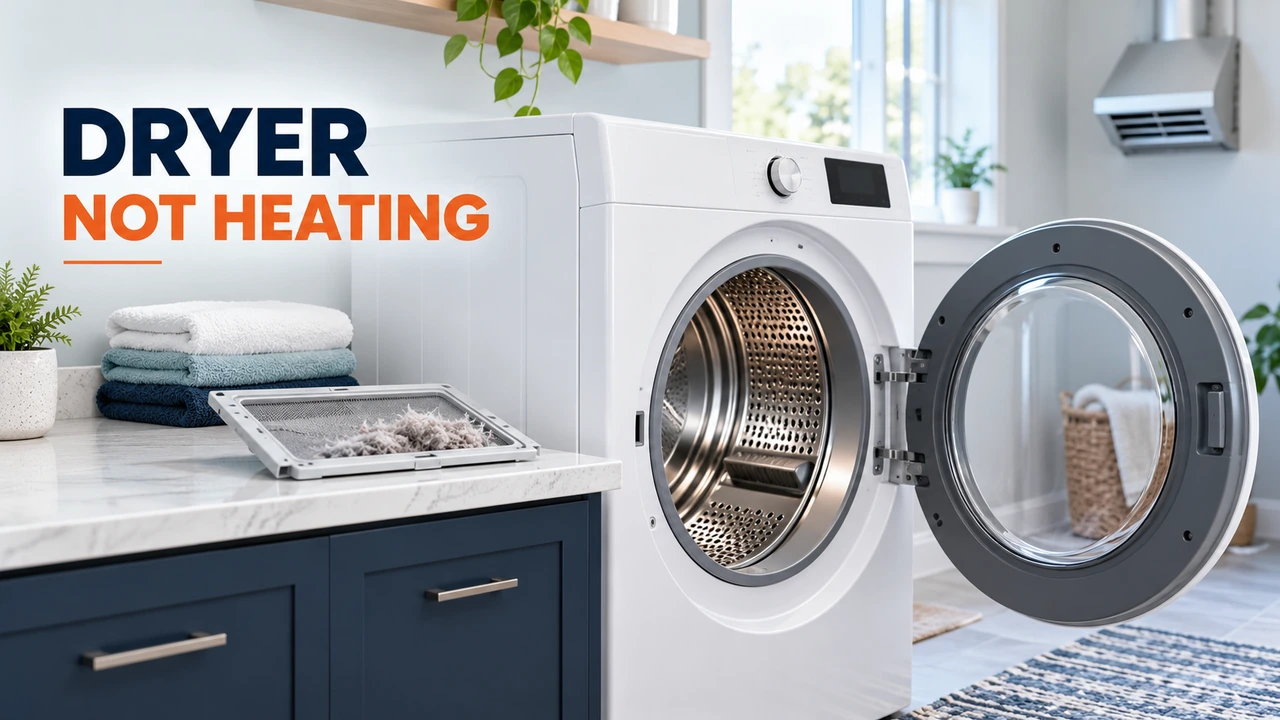
 If your Samsung dryer will not heat up, first check the selected cycle, Eco Dry setting, lint filter, and exhaust airflow. On a conventional North American electric model, the drum can still tumble when part of the 240-volt supply to the heater is interrupted. Gas models need a functioning gas supply and burner system instead. If the drum turns but remains completely cold on a heated cycle, start with these checks before assuming the heating element has failed.
Stop using the dryer if you smell burning, notice smoke, see scorching, or repeatedly trip a circuit breaker. If you suspect a gas leak, leave the area, avoid switches and ignition sources, and contact your local gas emergency service from a safe location. Never open energized panels, bypass thermal protection, or work on a gas burner to investigate missing heat.
Find out whether the dryer has no heat or simply dries slowly
Samsung distinguishes a dryer with no heat at all from one that becomes warm but leaves clothes damp. If there are no warning signs, select a suitable heated Time Dry cycle, disable Eco Dry if your model provides it, and follow Samsung’s model-specific guidance for checking whether the drum warms after a short period. Allow hot surfaces to cool before touching or inspecting them. A dryer that warms but takes several cycles often needs an airflow, load, or setting check rather than a replacement heater.
| What happens | Possible explanation | What to check first |
|---|---|---|
| Drum turns but stays cold | Air-only cycle, electric supply issue, or internal heating fault | Cycle settings and household breaker |
| Some warmth, but clothes stay damp | Eco Dry, lint accumulation, blocked vent, or oversized load | Settings, filter, vent and load |
| Dryer ends before clothes are dry | Sensor-cycle behavior or poor load contact | Load mix, dryness level and manual |
| Vent test reports C80 or C90 | Substantial exhaust restriction detected | Arrange vent clearing and check duct installation |
| Breaker trips again after reset | Electrical fault may be present | Stop use and contact an electrician or qualified service provider |
1. Check the cycle and Eco Dry setting
Air Fluff and other no-heat programs deliberately run without heating. On compatible Samsung models, Eco Dry can also limit heat at the beginning of a cycle to reduce energy use. That can make a working dryer feel unexpectedly cool at first. Check the selected program, dryness level, and whether Eco Dry is enabled before judging the heating system.
For troubleshooting, Samsung recommends a heated Time Dry setting with Eco Dry switched off where available. Control names and defaults vary, so use the instructions for your exact model. Do not choose a higher temperature than the care labels allow.
2. Clean the lint filter and check the load
Turn the dryer off and remove lint from the screen as directed in the user manual. Reinstall the filter correctly before operation. Lint can interfere with airflow, and a heavily loaded drum makes it harder for warm air to reach the laundry. Avoid stuffing the dryer with heavy towels or tangled bedding.
If clothing comes out of the washer soaking wet, confirm the washer is spinning correctly. Even a dryer that produces normal heat may struggle with excessively wet laundry. A mixed load of thick and light fabrics can also finish with damp seams while lighter pieces are dry.
3. Check the circuit breaker on an electric Samsung dryer
Many full-size Samsung electric dryers sold in the United States use a 240-volt electrical connection with two supply legs. The motor and control panel may work even when the heater is not receiving the required supply. That is why a Samsung electric dryer can spin but have no heat.
If it is safe to access the breaker panel normally, locate the correctly labeled dryer breaker. Samsung advises switching it fully off, waiting about 30 seconds, and switching it back on to ensure both sides are reset. Do not remove the breaker-panel cover, touch internal wiring, measure outlet voltage, or alter the appliance cord. If the breaker trips again, stop using the dryer and consult a licensed electrician.
Electrical requirements differ by region and dryer type. This North American 240-volt explanation must not be applied unchanged to every Samsung dryer in the UK, Ireland, Australia or New Zealand.
4. Check the exhaust vent for restrictions
A clogged or crushed exhaust duct traps heat and moisture. Samsung notes that some models reduce heat when airflow is restricted to help prevent overheating. Check the outdoor vent termination for visible obstructions if you can reach it safely, and inspect exposed ducting for crushing or sharp kinks without moving a heavy dryer or disturbing utility connections.
Do not operate a vented dryer with the exhaust duct disconnected as a test. Never vent a gas dryer into the room. If a vent is clogged or inaccessible, arrange appropriate duct cleaning and confirm that the material, length and bends meet your model’s installation manual.
How to use Samsung’s vent blockage test
Many, but not all, vented Samsung dryers have a Vent Blockage Test. Start with a cool, empty drum and follow the button sequence in your own manual; it differs between control panels. Some supported models display InS before the test starts. Do not use a button combination from another model simply because the dryer looks similar.
| Possible test result | Meaning |
|---|---|
| 0 or End | No clog reported by the test |
| CLg or Cg | Exhaust restriction detected |
| C80 | Substantial restriction, approximately 80 percent in Samsung’s test terminology |
| C90 | Severe restriction, over 90 percent in Samsung’s test terminology |
| Ct | Temperature outside the test’s operating range |
| dc or C1 | Door-open or laundry-in-drum condition, depending on result |
Displayed codes vary by model and panel. A passing test does not certify every component as fault-free. If a blockage result appears, stop using the dryer until the duct problem is corrected. If the display reports an abnormal-temperature or voltage warning, follow Samsung’s specific code guidance and request service if it persists.
5. If a Samsung gas dryer has no heat
A gas dryer uses electricity to turn the drum and operate its controls, but its heating depends on the gas supply and ignition system. Confirm that the correct heated program is selected. If the gas supply was recently installed or disconnected, have the supply and installation checked by a qualified professional. Do not loosen fittings, attempt to ignite the burner manually, or inspect a live burner assembly.
Possible internal faults include ignition, flame-sensing, burner-control, or temperature-protection components. The symptoms alone cannot establish which one is defective. A qualified gas-appliance technician should handle that diagnosis.
6. Could a heating element or thermal cutoff be faulty?
Yes. On conventional electric dryers, an open heating element, thermal cutoff, thermostat, control issue, or damaged wiring can interrupt heating. But a cold drum does not prove that the heating element is bad, particularly before the cycle, electric supply, and vent have been checked.
A thermal cutoff may open after an overheating condition. Replacing that component without addressing restricted airflow or another underlying problem can leave the hazard unresolved. Internal continuity testing, access to electrical components, and part replacement should be performed by someone qualified using model-specific service information. Never bridge a cutoff or thermostat to make the dryer run.
What if the Samsung dryer heats but clothes still are not dry?
Look first at load size, trapped lint, vent condition, Eco Dry, and the selected sensor-dry setting. Samsung moisture-sensing cycles may finish sooner than expected with very small or mixed loads because items do not consistently contact the sensors. Choose the setting appropriate to the fabrics and follow the manual’s instructions for cleaning accessible moisture-sensor strips if provided.
For a Samsung ventless or heat-pump dryer, do not assume conventional exhaust-vent advice applies. Follow the model’s instructions for its water container, lint filters, drain and user-serviceable heat exchanger. Heat-pump systems can operate at lower temperatures than conventional vented machines, and sealed refrigerant work is not a homeowner repair.
When to arrange Samsung dryer service
- The dryer remains completely cold on a confirmed heated cycle after settings and safe supply checks.
- The vent blockage test passes but no heat is produced.
- The dryer displays recurring temperature, electrical or other fault codes.
- A breaker repeatedly trips, or there are signs of burning, scorching or overheating.
- A gas model has a suspected ignition or supply fault, or any possible gas leak.
Find the complete model number on the appliance identification label, usually near the door opening or in the product records. Give the repairer the model number, gas or electric type, selected cycle, any error code, vent-test result, and whether there was any warmth. That information is more helpful than ordering a heating element based on a symptom alone.
Prevent another no-heat or slow-drying problem
Clean the lint filter as Samsung directs, keep the exhaust pathway clear on vented models, and check duct cleaning intervals and installation requirements in the manual. Do not overload the drum. On condenser and heat-pump models, maintain the accessible filters and condensate system according to their own instructions. Investigate a sudden increase in drying time rather than repeatedly running extra cycles.
Bottom line: when a Samsung dryer will not heat up, check the program and Eco Dry first, then the lint filter, correct electrical supply where applicable, and exhaust airflow. If the dryer is truly producing no heat despite those checks, professional diagnosis is safer and more reliable than guessing which internal part to replace.

Daniel Brooks is a US-based appliance troubleshooting researcher with 12 years of experience studying washer, dryer, refrigerator, and dishwasher faults. He reviews manufacturer manuals and converts technical error codes into safe, practical guidance for homeowners.