
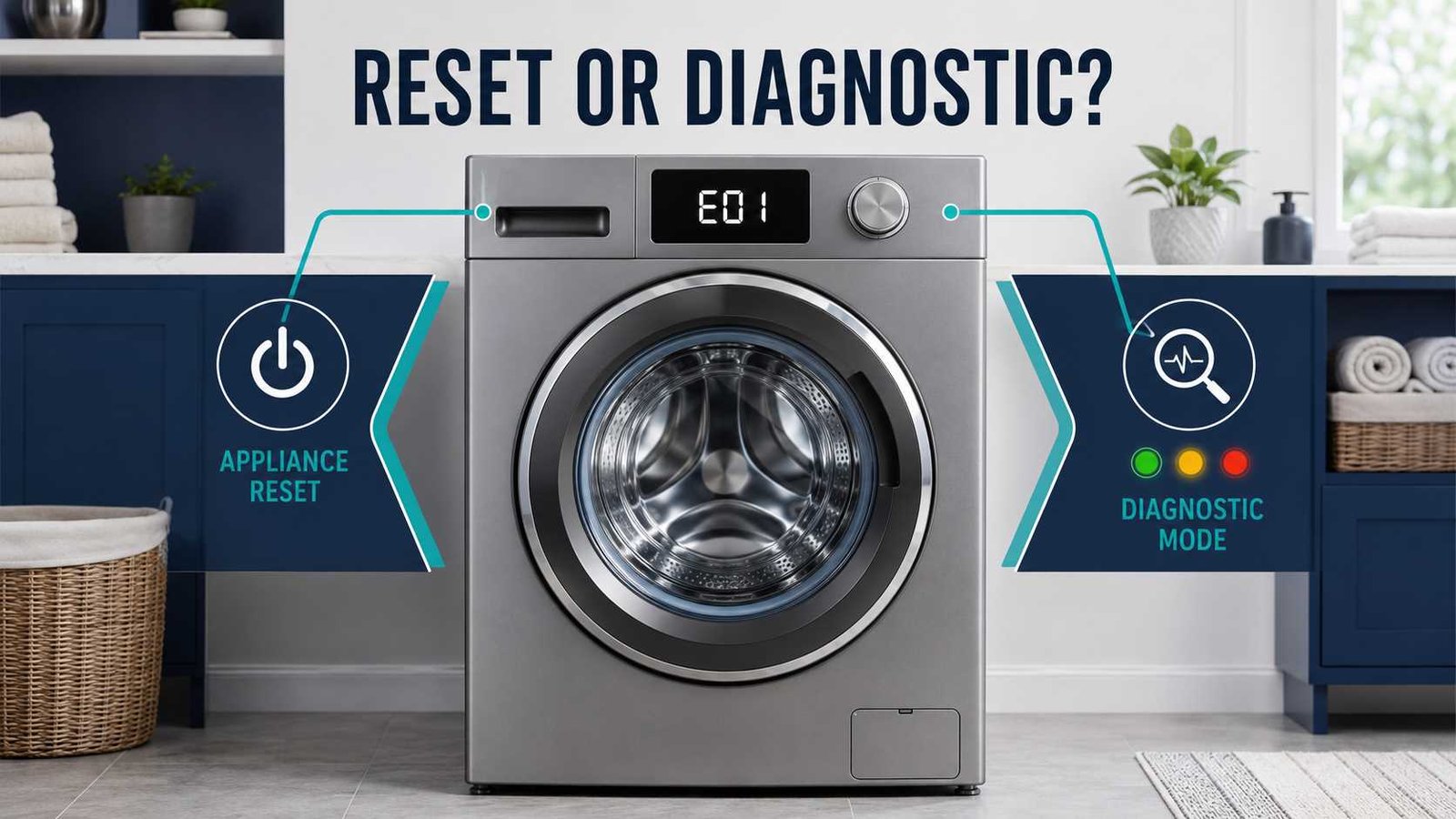
A reset and diagnostic mode serve different purposes. A reset restarts the appliance’s electronic controls and may clear a temporary software or communication problem. Diagnostic mode checks how the appliance is operating, retrieves stored fault information, or runs selected components through a test sequence.
Before using either option, photograph any error code or flashing-light pattern and note when the problem occurred. Do not reset an appliance repeatedly just to remove a warning. If there is smoke, a burning smell, visible sparking, an active leak, a gas smell, unusual overheating, or a breaker that keeps tripping, stop using the appliance and arrange qualified service.
Here’s what matters: use a reset for a possible temporary control problem. Use model-specific diagnostics when you need information about a fault that remains or returns.
| Question | Answer |
|---|---|
| What does a reset do? | Restarts or refreshes the electronic control |
| What does diagnostic mode do? | Reads faults or runs tests on supported models |
| Which should be used first? | Record the error, check for hazards, then follow the model manual |
| Does a reset repair a failed part? | No |
| Can diagnostic mode operate components? | Yes, on many appliances |
| Can resetting erase error information? | It may clear the visible display, but stored history varies by model |
| Is diagnostic mode safe for homeowners? | Only when the manufacturer provides a consumer procedure |
| When is professional help needed? | When the fault returns, involves a safety system, or requires internal testing |
Reset vs Diagnostic Mode: The Main Difference
The simplest way to understand the difference is:
- Reset: Restarts the appliance.
- Diagnostic mode: Investigates the appliance.
A reset may help when a control panel freezes, the appliance stops responding after a power interruption, or a corrected error remains on the display. Whirlpool describes a power cycle as a possible response to temporary electronic problems but warns that clearing a code without correcting its cause does not provide a lasting solution.
Diagnostic mode has a different purpose. Depending on the model, it may:
- Display current or stored fault codes
- Test control-panel buttons and display segments
- Activate a pump, fan, valve, motor, lock, or heater
- Run a short automatic test cycle
- Display software or sensor information
- Produce a code for an app-based diagnostic service
A Whirlpool service document, for example, separates interface testing, quick diagnostics, saved fault-code viewing, code clearing, and exiting diagnostic mode into different functions.
Quick Comparison Table
| Function | Main purpose | What it may do | What it cannot do |
|---|---|---|---|
| Power cycle | Restart the control | Clear a temporary control fault | Repair a defective component |
| Control reset | Restore normal control operation | Cancel a frozen state or clear a corrected warning | Confirm which part has failed |
| Factory reset | Restore selected original settings | Remove preferences, schedules, or saved profiles on supported models | Repair mechanical or electrical faults |
| Calibration mode | Relearn balance, position, or operating values | Adjust the control after installation or specified repairs | Replace full fault diagnosis |
| Diagnostic mode | Gather fault information | Read codes and run tests | Always identify one failed part with certainty |
| Error-history clearing | Delete stored diagnostic records | Remove saved codes on supported models | Correct the condition that created them |
| Cancel or drain | End the current programme | Drain water or stop a cycle | Fully reset the appliance control |
What Does Resetting an Appliance Do?
The word reset is used loosely, but it can describe several different actions.
Power Cycle
A power cycle means turning the appliance off, disconnecting its electrical supply, waiting for the period specified by the manufacturer, and restoring power.
This allows the electronic control to restart. It may help with:
- An unresponsive control panel
- A temporary software problem
- A display that froze after a power interruption
- A corrected error that remains visible
- An appliance that did not complete a normal shutdown
Official instructions vary. LG provides a washer reset procedure that includes disconnecting power and holding Start/Pause before reconnecting the appliance. Whirlpool gives a more general washer power-cycle method, while Bosch uses different waiting periods for different dishwasher conditions.
That variation is important. There is no single waiting time or button sequence that applies to every appliance.
Control-Panel Reset
Some appliances use a specific button command to restart the control or cancel an abnormal state. This may involve Power, Start, Cancel, Reset, or another labelled control.
Do not assume that holding Start or Cancel performs a complete electronic reset. On a dishwasher, for example, the command may simply cancel the current programme and drain the remaining water.
Factory Reset
A factory reset returns supported settings to their original state. On connected or programmable appliances, it may remove:
- Wi-Fi information
- User profiles
- Favourite cycles
- Schedules
- Notification settings
- Personalised options
A factory reset is not normally the first response to a drain, heating, cooling, motor, sensor, or leak fault.
Calibration or Relearn Mode
Calibration allows selected appliances to relearn values such as drum position, load sensing, balance, or control references. Manufacturers may require calibration after installation, relocation, levelling, or specific component replacement.
Calibration is not the same as diagnostic mode. It adjusts or relearns operating information rather than conducting a full fault investigation.
What Does Diagnostic Mode Do?
Diagnostic mode, sometimes called service mode, test mode, self-diagnosis, or service diagnostics, provides information about appliance operation.
Its exact capabilities depend on the product.
Reads Active or Stored Fault Codes
Some appliances store previous faults even after the display returns to normal. A technician can use this history to investigate an intermittent problem.
On one Whirlpool washer platform, entering service diagnostics displays the most recent stored code. Additional commands move through older codes, while a separate command erases them.
This is why you should record fault information before clearing anything.
Tests the Control Panel
Diagnostic mode may test:
- Buttons
- Touch controls
- Indicator lights
- Display segments
- Selector knobs
- Audible signals
A successful interface test confirms that the control recognised an input. It does not necessarily prove that every connected component is operating correctly.
Activates Appliance Components
Diagnostic mode may operate real loads rather than merely display information.
Samsung’s consumer-facing Smart Install procedure can test washer door locking, water filling, agitation, draining, and high-speed spinning. Its dryer procedure can rotate the drum and check moisture-sensor response. Samsung instructs users to empty the appliance before starting these tests.
A Whirlpool technician document similarly shows diagnostic functions for valves, pumps, spinning, heating, tumbling, and door locking. That document is clearly marked for service technicians rather than general homeowners.
Provides App-Based Diagnosis
Some appliances offer a consumer diagnostic feature through an app.
Samsung Smart Care, for example, generates a code that its washer and dryer app can interpret. Samsung explains that these generated codes are not the same as normal appliance error codes. The app may also retain previous codes, while compatibility differs by model age and connectivity.
An app diagnosis can be useful, but it should not automatically be treated as equivalent to full technician service diagnostics.
Which Should You Use First?
There is no universal answer for every fault. Use this decision process.
1. Record the Existing Evidence
Before disconnecting power:
- Photograph the complete display.
- Record any flashing-light sequence.
- Note the stage at which the appliance stopped.
- Write down any unusual sound, smell, or movement.
- Find the full model number.
- Check whether the code appeared once or repeatedly.
A code that disappears after a reset can be difficult to identify later if it was not recorded.
2. Check for an Immediate Safety Risk
Do not continue with a reset or diagnostic test when you notice:
- Smoke or sparks
- A burning or melting smell
- A gas or fuel smell
- Water reaching electrical parts
- A serious uncontrolled leak
- A damaged plug or power cable
- Repeated breaker or fuse operation
- Extreme heat
- Loud grinding or metal-on-metal noise
- A damaged door, lid, or locking system
Bosch, for example, instructs users to turn off the water supply and contact support when a dishwasher’s leakage-protection system detects water in the appliance base. That condition calls for shutdown, not repeated resetting.
3. Check Simple Operating Conditions
Before assuming that the appliance needs a reset, check:
- Is Control Lock or Child Lock active?
- Is the door or lid fully closed?
- Has the programme been paused?
- Is the water supply open?
- Is a user-accessible filter blocked?
- Is the drain hose visibly kinked?
- Has the household breaker tripped?
- Is the appliance in Demo or Showroom Mode?
- Is the load badly unbalanced?
A reset is unnecessary when the actual problem is a locked control panel, closed water valve, overloaded drum, or incorrectly selected programme.
4. Look Up the Code
Use the owner manual or official support page for the exact model.
Manufacturers commonly organise documentation by the complete model number because controls and procedures vary between product families and regions. Bosch support pages in the UK, Australia, and New Zealand all direct owners to enter the appliance’s full model number for product-specific information. GE and Whirlpool provide similar model-number manual searches in North America.
5. Correct Any Safe External Cause
Examples include:
- Redistributing an unbalanced laundry load
- Cleaning a user-accessible filter
- Straightening a visibly kinked hose
- Closing the door properly
- Turning on the water supply
- Disabling Control Lock
- Allowing an overheated appliance to cool as directed
- Restoring normal household power
Do not remove appliance covers or reach internal wiring to perform these checks.
6. Perform One Manufacturer-Approved Reset
A reset is reasonable when:
- The control is frozen.
- The fault followed a brief power interruption.
- The stated cause has already been corrected.
- The manual recommends cycling the power.
- The appliance is stuck in an unusual control state.
If the same fault returns, stop repeating the reset. Investigate the cause or arrange service.
7. Use Diagnostics Only When Appropriate
Use diagnostic mode when:
- The manufacturer provides a procedure for the exact model.
- The appliance is safe to operate.
- The test is intended for consumers.
- You understand which components may move or energise.
- The fault remains after basic checks.
- You need to record stored codes for support or a technician.
Do not enter hidden technician modes using a sequence copied from a different model.
Safe Basic Power-Reset Procedure
Use the appliance manual where available. The following is a conservative general process rather than a universal manufacturer sequence.
- Stop the current operation.
Use Power, Pause, or Cancel when the control is responsive. - Record the error.
Photograph the display and note the model number. - Turn the appliance off.
- Disconnect the power safely.
Unplug it when the plug is accessible without moving the appliance dangerously. For a hard-wired appliance, use the correct isolator or circuit breaker. - Wait for the period stated in the manual.
Manufacturers may specify seconds or several minutes depending on the product and fault. - Restore power.
- Run a safe, basic operation.
Use an empty rinse, drain, fan-only, or other manufacturer-approved test where suitable. - Stop if the error returns.
Do not start a normal heated or high-load cycle when the appliance still behaves abnormally.
How to Use Diagnostic Mode Safely
Use Instructions for the Exact Model
The complete model number may include letters, numbers, a regional suffix, and a production revision. Two appliances that look nearly identical can use different service procedures.
Empty the Appliance When Required
Remove laundry, dishes, racks, loose objects, or other contents when the manufacturer tells you to run the test empty.
Diagnostic cycles may fill, drain, tumble, spin, heat, lock, or move internal parts.
Keep the Area Clear
Keep children and pets away. Do not place hands inside a washer, dryer, dishwasher, ice maker, fan compartment, or other appliance during testing.
Record Codes Before Clearing Them
Write down:
- Active codes
- Stored codes
- The order in which they appear
- Which test step failed
- What the appliance did immediately before the failure
Do not clear diagnostic history until you have recorded it or a technician has advised you to do so.
Exit the Mode Correctly
Use the official exit method. Depending on the appliance, this may involve:
- Pressing Power
- Holding a specified control
- Selecting Exit
- Allowing the test to complete
- Disconnecting power
If the appliance remains stuck in test mode, stop and consult the model manual rather than trying random button combinations.
Avoid Technician-Level Testing
Some service documents include:
- Live-voltage measurements
- Wiring diagrams
- Resistance testing
- Internal connector checks
- Panel removal
- Heater or motor testing
- Safety-device testing
Whirlpool states that its technical sheets may include service-mode access, wiring information, voltage checks, component resistance values, and error codes, but it warns that these sheets are intended for people with appliance-repair knowledge.
Homeowners should stop before internal electrical testing or major disassembly.
Functions Commonly Confused With Reset and Diagnostics
Cancel or Drain
This ends the current programme and may operate the drain pump. It does not necessarily restart the main control.
Control Lock
Control Lock intentionally disables buttons. An unresponsive panel may therefore be operating normally.
Demo or Showroom Mode
Demo mode can illuminate the control panel while disabling normal cooling, heating, or other functions. Exiting it is different from resetting a fault.
Calibration Mode
Calibration allows the appliance to establish operating references. It should be run only when the manual calls for it.
Factory Restore
A factory restore changes saved settings. It normally does not diagnose a blocked pump, failed sensor, or damaged motor.
Error-Code Clearing
Clearing stored codes removes diagnostic evidence. It does not correct the condition that created the code.
Smart Diagnosis
Smart diagnosis may translate sounds, display patterns, or generated codes into troubleshooting information. Its capabilities vary by brand and model.
What a Reset Cannot Fix
A reset cannot physically repair:
- A blocked drain system
- A failed pump
- A broken belt
- A damaged door lock
- A faulty heating element
- A restricted dryer exhaust
- A failed fan
- A refrigerant-system fault
- A leaking valve or hose
- Burned wiring
- A defective motor
- A damaged sensor
- An incorrect household power supply
- A mechanical obstruction
The appliance may temporarily start after a reset even though the underlying problem remains. That temporary recovery should not be treated as proof that the appliance is safe or repaired.
What Diagnostic Mode Cannot Confirm by Itself
Diagnostic mode is helpful, but its result must be interpreted carefully.
A fault code may identify:
- A system
- A circuit
- A communication path
- An operating condition
- A sensor reading outside its expected range
It may not identify one defective part with certainty.
For example, a pump-related test failure could involve the pump, an obstruction, wiring, a connector, a sensor, or the control supplying power. Whirlpool’s service procedures often direct technicians from a failed diagnostic function to additional electrical and mechanical checks. This shows that the diagnostic result is a starting point rather than automatic proof that one named component must be replaced.
Diagnostic mode may also miss:
- Intermittent faults
- Problems that occur only with a full load
- Heat-related failures that appear after extended operation
- Loose connections that temporarily make contact
- Blockages that move during testing
- Components that work briefly but fail under normal load
What to Do When the Reset Does Not Work
- Do not keep resetting the appliance.
- Look up the exact code for the full model number.
- Repeat only the safe external checks listed by the manufacturer.
- Record any stored diagnostic information.
- Avoid clearing the fault history unnecessarily.
- Stop using the appliance if its operation is abnormal or unsafe.
- Contact an authorised or suitably qualified appliance technician.
When arranging service, provide:
- Brand and complete model number
- Serial number where requested
- Displayed and stored error codes
- A description of the failed cycle
- Photos or video of the display
- Any recent power interruption, installation work, movement, or repair
- The checks already completed
Model and Regional Differences
Reset and diagnostic procedures can vary by:
- Country of sale
- Voltage and supply system
- Appliance generation
- Control-panel layout
- Touchscreen or button controls
- Selector dial design
- Front-load or top-load construction
- Wi-Fi and app compatibility
- Regional model suffix
- Software revision
Use the support website for the country where the appliance was sold. A US procedure may not match a UK, Irish, Canadian, Australian, or New Zealand version bearing a similar product name.
Terminology may also differ:
| United States and Canada | United Kingdom and Ireland |
|---|---|
| Washer | Washing machine |
| Dryer | Tumble dryer |
| Circuit breaker | Circuit breaker or consumer-unit breaker |
| Service technician | Service engineer |
| Power cord | Mains lead |
| Unplug the appliance | Disconnect the mains plug |
The electrical terminology may change, but the central rule does not: use the official instructions for the exact regional model.
When to Stop Troubleshooting
Safety warning: Stop using the appliance and seek qualified help if there is smoke, sparking, a burning smell, gas smell, uncontrolled leaking, repeated breaker operation, damaged wiring, unusual overheating, or a test that behaves unexpectedly.
Professional diagnosis is also appropriate when:
- The same error returns after one approved reset.
- The appliance cannot complete a basic cycle.
- Diagnostic mode reports a motor, heater, control-board, compressor, gas, or high-voltage fault.
- The test requires internal access.
- The manual identifies the code as a service fault.
- A safety lock, leakage-protection system, or overheating device has operated.
- You are uncertain whether the appliance is safe to use.
Frequently Asked Questions
Should I reset my appliance before checking the error code?
No. Photograph or write down the error first. A reset may remove the visible warning even when the underlying problem remains.
Does unplugging an appliance clear stored error codes?
It depends on the model. Unplugging may clear the current display, while diagnostic history may remain stored. On other products, some information may be lost. Check the exact model documentation.
Does diagnostic mode reset the appliance?
Usually not. Diagnostic mode normally reads information or runs tests. Some models include a separate command for clearing codes or returning settings to default.
Can diagnostic mode damage an appliance?
A correctly used manufacturer procedure should not damage a healthy appliance, but diagnostic tests may operate motors, heaters, pumps, valves, fans, and locks. Using the wrong model sequence or testing an already damaged appliance can create risk.
Why does the error return after a reset?
The control restarted, but the condition that triggered the error may still exist. Possible causes include a blockage, failed component, wiring fault, sensor problem, supply issue, leak, or mechanical obstruction.
Can diagnostic mode tell me which part to replace?
Not always. A code may identify a system or circuit rather than one failed component. Further inspection and testing may be required.
Is calibration the same as diagnostic mode?
No. Calibration helps selected appliances learn operating references. Diagnostic mode checks functions or retrieves fault information.
What should I do if the appliance passes diagnostics but still fails?
Record the symptoms and arrange further diagnosis. Short tests may not reproduce faults that occur only during a full load, extended heating, vibration, or normal operating conditions.

Ahmad Raza is the website administrator and content operations manager at Error Code Vault. With 11 years of experience in technical publishing, he manages site accuracy, author verification, source quality, updates, user feedback, and editorial compliance.