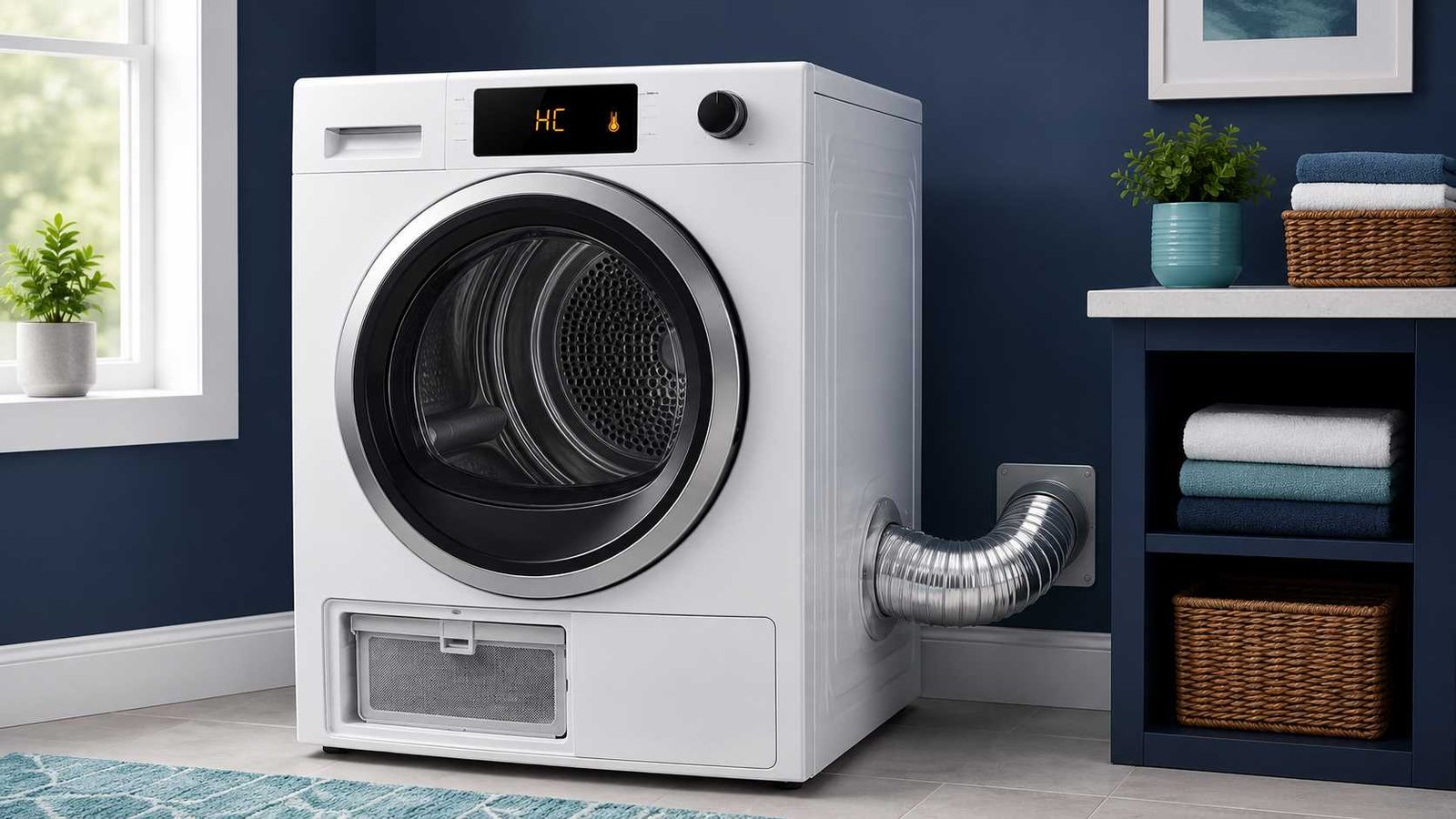
 The Samsung dryer HC error code usually means the dryer has detected abnormal heating or excessive temperature. On many Samsung dryers sold in the United States and Canada, HC, hE, HC4 and 1 HC indicate that the dryer is getting too hot. A clogged lint filter or restricted exhaust vent is the most common cause.
On some heat-pump and ventless tumble dryers sold in the UK, Ireland, Australia and New Zealand, HC or HE may indicate compressor overheating or a high-temperature heating problem.
Stop the cycle, allow the dryer to cool and clean the lint filter before trying it again. Do not keep using the dryer if the cabinet becomes unusually hot, you smell burning, smoke appears, the circuit breaker trips repeatedly or the HC code returns after basic checks.
Samsung Dryer HC Quick Answer
| Item | Answer |
|---|---|
| Error code | HC, hC, hE, HE, HC4 or 1 HC on selected models |
| Main meaning | Abnormal heating, overheating or high-temperature heating check |
| Most common cause | Clogged lint filter or restricted exhaust airflow |
| Other possible cause | Low voltage on an electric dryer |
| Heat-pump dryer meaning | Possible compressor overheating or high-temperature condition |
| Safe first check | Stop the dryer, let it cool and clean the lint filter |
| Can the dryer still be used? | Not until the obvious airflow and power issues have been checked |
| Reset method | Disconnect power for approximately one to five minutes |
| Repair difficulty | Basic cleaning is easy; internal diagnosis requires a professional |
| Call for service when | HC returns after cleaning, cooling and one reset |
Samsung groups HC, hE, HC4 and 1 HC as heating errors on its current US and Canadian support pages. The company also warns that code meanings and procedures can vary by model and market.
What Does HC Mean on a Samsung Dryer?
On most Samsung vented dryers in the United States and Canada, HC means that the machine is getting too hot. Heat may be building up because warm, moisture-filled air cannot leave the dryer efficiently.
Samsung identifies two leading areas to check:
- The lint filter
- The dryer exhaust system
A blocked lint screen reduces airflow through the drum. A crushed, kinked or lint-filled exhaust duct prevents hot air from leaving the machine. Either condition can allow temperatures to rise until the dryer stops the cycle and displays a heating error.
There is one confusing exception. Samsung says the same heating-error group can sometimes appear when the heater is not getting hot enough. On an electric dryer, this may happen when the incoming voltage is too low. That means an HC code does not always prove that a heating element is stuck on or that the dryer feels extremely hot.
HC Meaning on Heat-Pump and Ventless Dryers
Samsung’s UK and Australian support pages describe HC or HE as:
- Compressor overheating
- A high-temperature heating check
These descriptions are especially relevant to heat-pump and ventless tumble dryers. These machines manage moisture and heat differently from traditional North American vented dryers. They may use a compressor, heat exchanger, temperature sensors and internal air passages rather than sending all moist air through an outdoor exhaust duct.
For these models, Samsung recommends checking the home circuit breakers, cleaning the lint filter and arranging service if the code remains. Samsung states that checking heating-element wiring requires a licensed professional electrician.
The exact model manual should take priority because HC may not have precisely the same meaning on every product series.
Stop Using the Dryer When You Notice These Signs
Switch off the dryer and disconnect its power when it is safe to do so if you notice:
- Smoke from the dryer or exhaust
- A burning or melting-plastic smell
- Scorch marks around the plug or outlet
- An unusually hot exterior cabinet
- Clothing that is too hot to handle safely
- A circuit breaker that keeps tripping
- Sparking, buzzing or visible power-cord damage
- A gas smell near a gas dryer
- HC returning immediately after each restart
Do not continue running repeated test cycles to see whether the problem clears itself.
US fire-safety guidance recommends keeping the lint filter and dryer vent clean, checking that the duct is not crushed or restricted and confirming that the outdoor vent opens while the dryer operates.
HC, hE, HE, HC4 and 1 HC
Samsung uses several related heating-error formats. The characters shown depend on the dryer’s region, age and control-panel design.
| Display | Common interpretation |
|---|---|
| HC or hC | Heating temperature too high or abnormal heating |
| hE or HE | Heating error; may also mean compressor overheating on heat-pump models |
| HC4 | Heating error on selected models |
| 1 HC | Heating error or ventless-dryer heating problem on selected models |
| HC2 | Gas ignition error on selected US gas dryers |
| tC or tE | Temperature or temperature-sensor error rather than the main HC heating code |
Samsung lists HC2 separately from HC on its US support page. HC2 should therefore not be treated as a general overheating code without confirming the model manual.
Samsung also separates tC and tE sensor codes from HC heating errors. However, restricted airflow can contribute to both groups because trapped heat affects dryer temperature and the readings detected by its sensors.
Most Common Causes of the Samsung Dryer HC Code
1. Clogged lint filter
Lint restricts the air moving through the dryer. Even when the filter does not look completely blocked, a thick layer of fine lint can reduce airflow.
Remove the filter and clean off all visible lint. Reinstall it fully and correctly before operating the dryer. Never run the dryer without its lint filter.
2. Restricted exhaust duct
This is a leading cause on vented dryers. Look for:
- A crushed duct behind the dryer
- Sharp bends in flexible ducting
- Lint inside the accessible duct opening
- A duct pushed tightly against the wall
- A blocked exterior vent cover
- An outdoor flap that does not open
- Longer drying times than normal
Only inspect sections that can be reached safely without dismantling the appliance or building structure. A concealed or long vent route may require professional dryer-vent cleaning.
Samsung says C80 or C8 after a Vent Blockage Test indicates that the exhaust is approximately 80% restricted. C90 or C9 indicates a more severe restriction.
3. Low voltage on an electric dryer
An electric dryer may power on and rotate while still receiving an incorrect supply for proper heating. Samsung states that low voltage can cause insufficient heating and trigger a heating error.
This is particularly relevant when:
- HC appears but the dryer blows cold air
- The dryer has never heated correctly after installation
- The dryer was recently moved
- The power cord or outlet was recently changed
- One side of a two-part breaker may have tripped
Do not perform voltage measurements yourself unless you are qualified. Ask a licensed electrician to inspect the circuit, outlet and power connection.
4. Compressor overheating on a heat-pump dryer
On selected heat-pump and ventless models, HC or HE can indicate excessive compressor or heating-system temperature.
Clean the lint filter and any homeowner-accessible heat exchanger according to the model manual. Make sure ventilation openings around the appliance are not blocked.
Do not open the refrigerant system, test the compressor or attempt internal heat-pump repairs. These areas require specialist equipment and appropriate technical training.
5. Faulty thermistor or temperature sensor
A thermistor changes resistance as temperature changes, allowing the control system to estimate dryer temperature. Samsung technical support information identifies abnormal thermistor resistance as a possible cause of hE or hC on selected dryers.
A sensor may produce an incorrect reading even when the dryer is not genuinely overheating. Because airflow problems can create similar symptoms, a technician should test the system before any sensor is replaced.
6. Heating-system or electrical fault
When the vent and filter are clear, further diagnosis may involve the:
- Heating element
- Heating-element connections
- Temperature sensor
- Thermal protection components
- Internal wiring
- Compressor system on a heat-pump dryer
- Electronic control system
The HC display alone does not identify which part has failed. Samsung directs users toward professional service when cleaning and restarting do not clear the error.
How to Troubleshoot a Samsung Dryer HC Error
Follow these steps in order. Stop when you find damage, excessive heat or anything that would require opening the dryer cabinet.
Step 1: Stop the cycle and let the dryer cool
Press Power to stop the dryer. Disconnect the plug or switch off the correct circuit breaker when it is safe and accessible.
Wait until the dryer and laundry have cooled before touching the lint filter, vent connection or clothing.
Step 2: Record the exact code
Take a photograph of the display before resetting the dryer.
Confirm whether it reads:
- HC
- hC
- hE
- HE
- HC4
- 1 HC
- HC2
- tC
- tE
Small digital characters can be easy to misread. The exact code matters because HC2, tC and tE may point to different fault groups.
Step 3: Find the complete model number
Check the appliance label around the door opening, rear panel or another location identified in the user manual.
Use the complete model number, including the regional suffix, when downloading a manual or contacting Samsung. Code meanings and button combinations may differ between models.
Step 4: Clean the lint filter
Remove the filter and clear away all lint.
Check that:
- The filter is not torn
- The frame is not distorted
- The filter fits fully into its slot
- Lint has not accumulated around the accessible filter housing
Reinstall the filter before the dryer is used.
Step 5: Inspect the visible exhaust connection
This step applies to vented dryers.
Pull the dryer forward only when it can be moved safely without straining the power cord, gas connection or drain hose. Check whether the duct is crushed, folded or disconnected.
Do not disconnect a gas line or move a gas dryer when the connection may be placed under strain.
Step 6: Check the outdoor vent
With another adult observing the dryer, check whether the exterior vent flap opens during operation.
Weak airflow, no airflow or a flap that remains closed may indicate a blockage. Turn the dryer off and arrange vent cleaning before continuing normal use. USFA specifically recommends confirming that the outdoor vent covering opens while the dryer runs.
Step 7: Check the circuit breakers
Look for a tripped breaker. A breaker may sit between its normal ON and OFF positions.
Switch it fully OFF and then back ON only when there are no burn marks, electrical smells, sparks or visible signs of damage.
Electric dryers commonly use a linked two-part circuit. Samsung notes that one side can sometimes trip while the dryer still appears to have power. Contact an electrician if the breaker trips again.
Step 8: Run the Vent Blockage Test when supported
Some Samsung vented dryers include a built-in Vent Blockage Test. Not every model has it, and the control-button sequence varies.
Before testing:
- Make sure the drum is empty.
- Let the dryer cool.
- Check the model manual for the correct buttons.
- Do not open the door during the test.
A result of 0 or End normally means the test did not detect a blockage. C80 or C8 indicates substantial restriction, while C90 or C9 indicates a more severe blockage. A passed test does not remove the need for regular vent cleaning.
Do not use a random button combination from another model. Samsung lists several possible combinations, which confirms that the procedure is model-dependent.
Step 9: Reset the dryer once
Reset the dryer only after completing the safe checks.
- Unplug the dryer or turn off its circuit breaker.
- Leave it disconnected for approximately one to five minutes.
- Restore power.
- Run a short appropriate cycle while staying nearby.
Samsung explains that a reset may clear an electronic glitch, but it cannot clean a blocked vent or repair a heating fault.
Step 10: Stop if the code returns
Do not keep clearing the code.
Samsung warns that repeatedly erasing stored error history can make diagnosis more difficult for a technician. If HC returns after cleaning, cooling and one power reset, request professional service.
What If the Filter and Vent Are Already Clean?
A clean-looking filter does not prove that the entire exhaust path is clear. The blockage may be inside a wall, ceiling, roof outlet or long duct run.
Use the symptom pattern to choose the next action.
| Symptom | Safer next action |
|---|---|
| HC appears immediately after startup | Confirm the code and model, reset once, then request service if it returns |
| HC appears after several minutes | Check airflow, exterior vent operation and load conditions |
| Dryer blows cold air with HC | Ask an electrician to verify the electric supply |
| Dryer becomes extremely hot | Stop using it and arrange service |
| Vent test reports C80 or C90 | Have the full exhaust route cleaned |
| Vent test passes but HC returns | Request appliance diagnosis |
| Error began after installation or moving | Have the electrical and vent installation checked |
| HC appears on a heat-pump dryer | Clean accessible filters and heat exchanger, then follow the regional manual |
If the dryer has never heated correctly in its current location, Samsung recommends professional inspection of the electrical installation rather than assuming the appliance itself is defective.
Can You Keep Using a Samsung Dryer With HC?
Normal use should not continue until the dryer has cooled and the lint filter, visible venting and power supply have been checked.
A one-time code caused by a temporary electronic problem may clear after troubleshooting and a power reset. A recurring HC code means the underlying condition has not been resolved.
Stop using the dryer and seek professional help when:
- HC returns during the next cycle
- Airflow remains weak
- The dryer overheats
- The breaker trips
- The power connection shows damage
- The machine has no heat despite correct settings
- A heat-pump compressor warning remains
When to Call an Electrician
Contact a licensed electrician when:
- The electric dryer produces little or no heat with HC
- The dryer has never heated since installation
- The breaker repeatedly trips
- The outlet, plug or cord has burn marks
- The power cord appears loose or incorrectly fitted
- Samsung’s regional guidance calls for heating-element wiring inspection
Do not remove terminal covers, test live voltage or repair internal wiring yourself. Samsung specifically assigns heating-element wiring checks to a licensed professional on its Australian HC and HE guidance.
When to Call an Appliance Technician
Arrange appliance service when:
- HC returns after the filter and vent have been cleaned
- The Vent Blockage Test passes but the fault continues
- The code appears immediately after every reset
- The dryer overheats with strong exhaust airflow
- A thermistor or internal temperature fault is suspected
- A heat-pump compressor problem is indicated
- Internal heating or control components require testing
Provide the technician with:
- Complete model and serial number
- Exact error code
- When the code appears
- Whether the dryer heats
- Vent-test result, when available
- Recent installation or electrical changes
- A photograph of the display
How to Prevent the HC Error From Returning
Clean the lint filter before or after every load. Check the exhaust duct regularly and arrange periodic cleaning of the complete vent route.
Also:
- Do not operate the dryer without its filter
- Avoid pushing the dryer against its duct
- Keep the exterior vent opening clear
- Watch for gradually increasing drying times
- Follow the heat-exchanger cleaning instructions for heat-pump models
- Use the dryer only with the electrical supply specified for its market and model
- Have installation and internal repairs completed by qualified professionals
USFA warns that failure to clean lint filters and dryer vents increases dryer-fire risk.
Frequently Asked Questions
How do I clear the HC code on a Samsung dryer?
Clean the lint filter and check the exhaust airflow first. Then disconnect the dryer from power for approximately one to five minutes and restore power. If HC returns, do not keep resetting it. Request service.
Does HC always mean the Samsung dryer is overheating?
Usually, HC means the dryer has detected excessive or abnormal heating. However, Samsung says low incoming voltage can cause insufficient heating and still trigger the heating-error group on electric dryers.
Why does my Samsung dryer show HC but blow cold air?
The electric dryer may not be receiving the correct voltage, or an internal heating component may not be operating correctly. Ask a licensed electrician to confirm the supply before ordering appliance parts.
Is HC the same as HE on a Samsung dryer?
They belong to the same heating-error group on several Samsung support pages. On UK and Australian tumble dryers, HC and HE may both mean compressor overheating or a high-temperature heating check. Confirm the exact meaning in the model manual.
Is HC2 the same as HC?
No. Samsung US lists HC2 separately as a gas-ignition error on selected gas dryers. Do not use general HC overheating instructions as the only guidance for an HC2 code.
Can a thermistor cause the HC code?
Yes, on selected models. Samsung technical support material identifies abnormal thermistor resistance as a possible cause of hE or hC. Testing and replacement should be handled by a qualified technician.
Why does HC return after cleaning the lint filter?
The blockage may be deeper inside the exhaust system, the dryer may have a power-supply problem, or an internal heating or sensing component may require diagnosis. Run the model’s Vent Blockage Test when available and arrange service if the test passes but HC returns.
Is the Samsung dryer HC code the same on a washer-dryer?
Not necessarily. Samsung washing machines and washer-dryers may use HC for a water-temperature issue, while other codes can relate specifically to the drying heater. Always confirm the appliance type before applying standalone dryer instructions.

Daniel Brooks is a US-based appliance troubleshooting researcher with 12 years of experience studying washer, dryer, refrigerator, and dishwasher faults. He reviews manufacturer manuals and converts technical error codes into safe, practical guidance for homeowners.